

Module 18: Cross-Domain Pivoting and LDAP Enumeration

Table of Contents
← Return to the Red Team Course
Cross-domain pivoting depends on trust direction, name resolution, authentication, authorization, and directory visibility. A trust does not make every object readable or every credential valid in both domains.
This module creates a trust and query record. You will identify the queried directory, constrain LDAP filters, and decide whether a proposed cross-domain action has enough evidence to proceed.
Allow 35–50 minutes. Difficulty: intermediate. The examples are synthetic and read-only.
Learning Outcomes
- Define trust direction, LDAP, DN, SID filtering, and selective authentication.
- Explain why a trust relationship does not imply broad access.
- Inspect a bounded LDAP query and its server scope.
- Compare query visibility with authorization to act.
- Create a trust and query decision record.
Before You Begin
**Bring the source and destination records from lateral movement . Record the source principal’s domain, target domain, resolver, domain controller, approved query base, and owner. Cross-domain queries need explicit scope because directory data includes sensitive identities and group relationships.
| Field | Record |
|---|---|
| Source domain | Domain and account authority |
| Target domain | Domain and directory owner |
| Trust direction | Direction from the queried relationship |
| Authentication | Account and protocol used |
| LDAP base | Exact naming context and organizational unit |
| Filter and limit | Object classes, attributes, and page size |
Read Trust Direction
A trust direction is relative to the two named domains. If domain A trusts domain B, accounts from B might be accepted by A under configured conditions. The phrase does not describe every reverse operation, resource ACL, or group membership.
Selective authentication requires explicit permission to authenticate to particular computers. SID filtering limits how security identifiers from a trusted domain are interpreted across the boundary. Forest and external trusts also differ in scope and transitivity. Validate the actual trust object and policy rather than relying on a diagram label.
| Observation | Does not establish |
|---|---|
| Trust exists | Universal resource access |
| Direction is outbound | Reverse trust |
| Name resolves | Authentication or authorization |
| Authentication succeeds | LDAP read or group membership |
| Object is visible | Permission to change it |
Define LDAP Scope
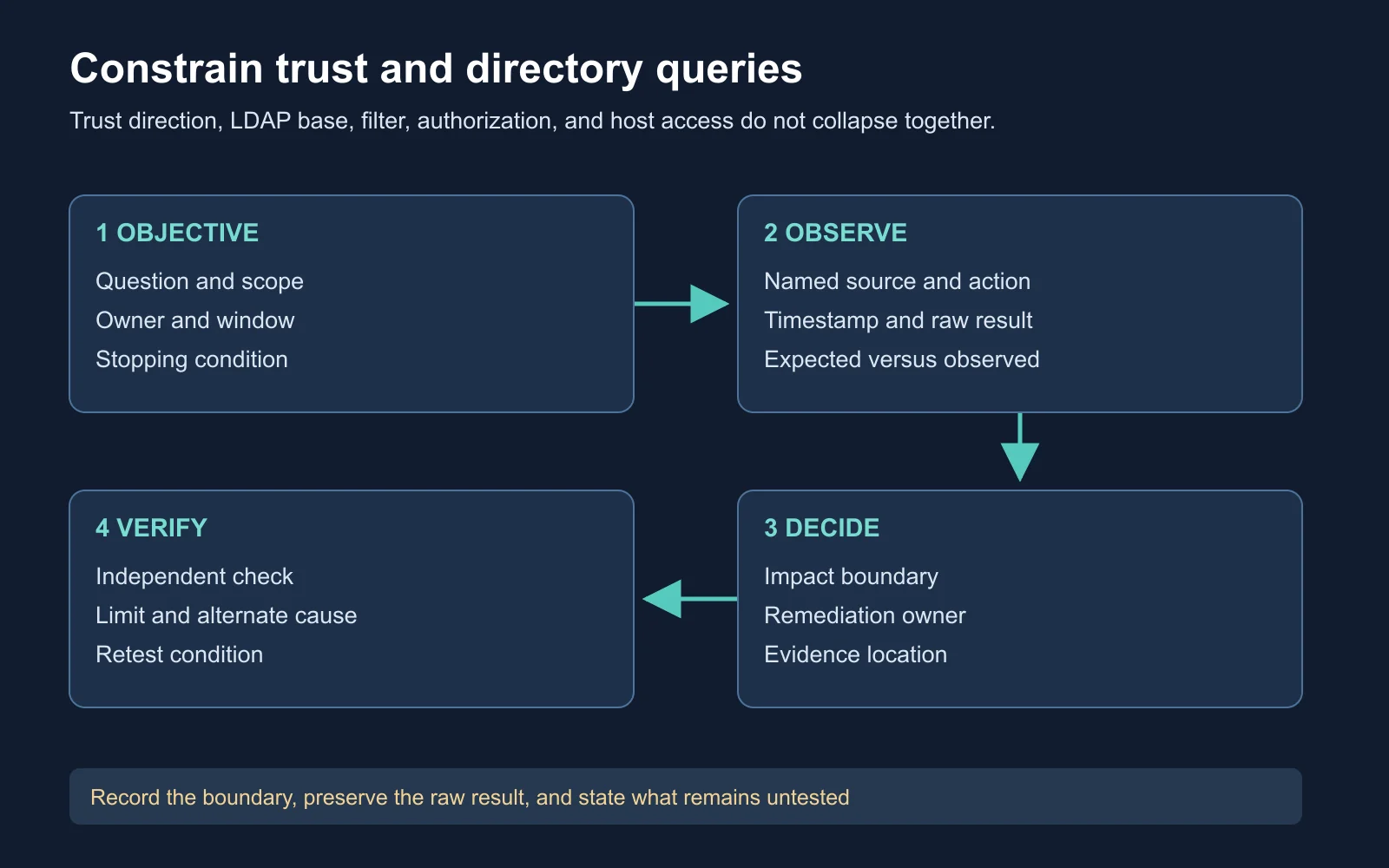
Trust direction and query scope constrain a cross-domain pivot
LDAP is a directory protocol. A distinguished name (DN) identifies an object location, while a server name identifies where the query is sent. A valid DN on one server does not prove the same object exists in another directory.
Object classes matter. In Active Directory, a filter for objectClass=user includes user and computer objects because computer objects inherit from user-related classes. Use explicit attributes and classes when the exercise needs human accounts.
| Query choice | Risk to review |
|---|---|
| Base DN | Querying the wrong naming context |
| Filter | Returning computers or service objects unintentionally |
| Attributes | Collecting more identity data than needed |
| Paging | Missing or duplicating results across pages |
| Escaping | Altering filter meaning with special characters |
Run a Bounded Query
$base = "DC=target,DC=corp,DC=example"
$filter = "(&(objectCategory=person)(objectClass=user)(sAMAccountName=analyst.user))"
Get-ADUser -Server "dc01.target.corp.example" -SearchBase $base `
    -LDAPFilter $filter -Properties memberOf,servicePrincipalName
-Server names the directory endpoint. -SearchBase limits the naming context, and the filter selects a person user with an exact account name. -Properties requests only the attributes needed for the review. This command requires the ActiveDirectory module and an approved lab account. It was documentation-reviewed, not executed on the macOS authoring host.
Expected result: The lab might return one user, no user, or an access error. A result needs server, base, filter, attributes, page behavior, and timestamp. Do not infer a trust or authorization decision from an empty result without checking query scope and collection health.
Watch Directory Context
Compass Security’s Kerberos introduction supplies protocol context for cross-domain authentication. Use it to distinguish domain tickets from LDAP authorization and to note where trust policy enters the flow. Watch the presentation on YouTube .
The presentation is supplemental. Record your domain’s actual trust objects, supported encryption types, and authorization policy before making a claim.
Analyze a Synthetic Trust
Assume source.corp.example has a one-way trust to target.corp.example. The source user resolves a target controller and authenticates, but LDAP search returns access denied for the requested organizational unit. Selective authentication is enabled for target servers.
The supported conclusion states DNS and an authentication exchange reached the target. Directory authorization for the search base failed. The trust’s existence does not prove broad LDAP visibility or access to target hosts.
| Evidence | Supported claim |
|---|---|
| Target controller resolved | Name resolution succeeded |
| Authentication accepted | The protocol accepted the principal |
| LDAP access denied | The requested directory read was not authorized |
| Selective authentication | Computer-specific permission needs review |
| No group result | Group membership remains unobserved |
Choose a Pivot Decision
A pivot decision should state the target object, operation, principal, trust evidence, and stopping condition. If the goal is inventory, a narrow directory read might suffice. If the goal is remote administration, host logon rights and resource ACLs need separate proof.
| Objective | Next bounded check |
|---|---|
| Confirm trust | Read the named trust object and direction |
| Confirm identity | Correlate authentication event and principal |
| Confirm LDAP scope | Repeat the exact base and filter with owner approval |
| Confirm host access | Test the named host and operation, not a domain sweep |
| Confirm privilege | Resolve group nesting and resource ACLs |
Create the Trust Record
Produce a trust and query decision record for the synthetic case. Include one alternative explanation for the access denial, the exact LDAP scope, and the evidence needed before a host pivot.
Source principal and domain:
Target domain, controller, and trust direction:
Selective-authentication or SID-filtering evidence:
LDAP base, filter, attributes, and page limit:
Authentication result:
Directory authorization result:
Proposed host operation and owner:
Alternative explanation and next bounded test:
Stopping condition and evidence location:
Completion standard: The record identifies the directory queried and avoids converting object visibility into permission to modify or administer it.
Self-Check and Answers
| Question | Expected reasoning |
|---|---|
| Does a one-way trust work both ways? | No, direction is relative to the named domains |
| Does a valid DN prove a server connection? | No, server and naming context are separate |
Does objectClass=user include computers? | Yes, use a more precise filter when needed |
| Does LDAP visibility grant write access? | No, read and change rights are separate |
| What does selective authentication change? | It adds explicit computer or resource authorization checks |
| What makes a query reproducible? | Server, base, filter, attributes, limits, and timestamp |
Next Steps
Carry the trust and query record into Module 19: Fortifying Access and Operator Discipline . The next module turns these boundaries into expiry, failover, and least-privilege decisions.
Return to the Red Team Course for the complete sequence.

