

Module 12: Physical Security
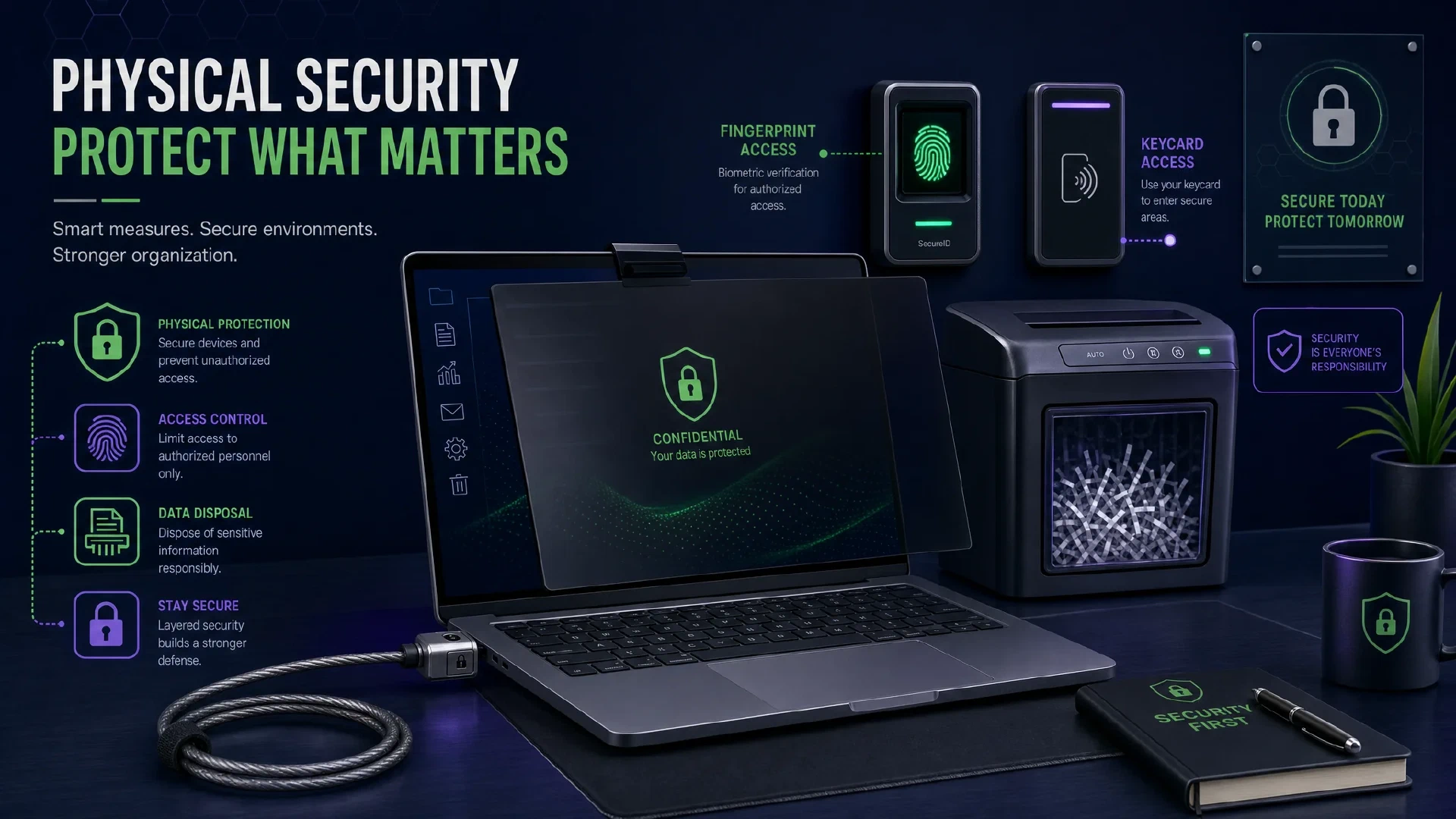
Table of Contents
← Return to the Personal Security Course
Every control in the previous eleven modules assumes the device stays in your hands. Physical access invalidates a great deal of it. An unlocked laptop is a complete account compromise, a stolen phone is a second-factor loss, and a seized device is a question about whether your encryption holds.
This final module covers device control, document disposal, observation, and the biometric question which depends on your legal situation rather than your preferences.
Budget about 25 minutes. The device and biometric decisions are the ones with lasting consequences.
What You Will Learn
- Assess the difference between theft risk and seizure risk
- Apply physical controls proportionate to where you carry devices
- Dispose of documents and media without leaving recoverable data
- Recognize observation techniques including shoulder surfing and card skimming
- Evaluate biometrics against a PIN for your own legal circumstances
- Produce a physical security record and a completed course summary
| Term | Meaning |
|---|---|
| Seizure | Lawful or unlawful taking of a device by another party |
| Shoulder surfing | Reading a screen or keypad from a position you did not notice |
| Skimmer | A device attached to a card reader to capture card data |
| Coercion | Compelling a device unlock rather than defeating encryption |
| Perimeter | The physical boundary around a space containing assets |
Theft and Seizure Are Different Problems
They overlap, and they drive opposite design decisions.
| Theft | Seizure | |
|---|---|---|
| Who acts | Opportunistic criminal | Authority or a known party |
| Primary loss | The hardware and the data on it | The data and its contents |
| Best control | Encryption plus remote wipe | Encryption plus what you chose not to store |
| What helps | Not leaving devices visible, cable locks | Device power state, and knowing your rights |
Shutting down rather than suspending matters here. A device in standby often holds decryption keys in memory, while a powered-off device requires the passphrase to reach the data. The distinction is the practical reason Module 8 recommended full power-off over standby.
The most effective seizure control is deciding in advance what does not belong on the device. Data you never stored is data nobody recovers.
Devices in the Physical World
- Use cable locks where a device is left in a semi-public place, such as an office or a library
- Keep devices out of sight in vehicles, and treat a charging cable on a seat as a signal something is under it
- Carry a privacy screen in transit, which defeats most shoulder surfing
- Enable remote wipe and confirm it works before you need it
- Do not charge from unknown USB ports, as Module 7 covered. Prefer your own adapter
A short idle lock timeout is the highest-yield setting in this section. Most physical compromises of a device happen while it is unattended and unlocked, not while it is encrypted and powered off.
Documents and Disposal
Physical documents carry data which no encryption protects.
| Item | Disposal Approach |
|---|---|
| Financial statements | Shred, cross-cut rather than strip-cut |
| Identity documents | Shred, and treat replacement as the better option where available |
| Medical records | Shred, since they frequently carry identity numbers |
| Old storage media | Destroy physically. Overwriting is not reliable on all media, and a failed drive often still holds data |
| Delivery labels | Remove or obscure before discarding packaging |
Watermark documents you share, with the recipient and date. It costs nothing, and it traces a leak to a specific copy if one appears somewhere unexpected.
Cross-cut shredding matters. Strip-cut shredders produce strips which are straightforward to reassemble.
Observation, and the Biometric Question
Being observed is subtle, and the countermeasures are simple.
- Shield the keypad when entering a PIN, and clean the screen afterwards on touch devices where smudges reveal digits
- Inspect card readers and ATMs for attached skimming hardware, and prefer readers which look untouched
- Notice who is positioned to see your screen, and reposition rather than assuming nobody is looking
The biometric decision depends on your legal exposure, not your convenience.
| Method | Strength | Consideration |
|---|---|---|
| Biometric | Convenient, and difficult to guess | In some jurisdictions, compelling a finger or face carries different protections than compelling a passphrase |
| PIN or passphrase | Knowledge you hold | Slower, and vulnerable to observation |
If compelled disclosure is a realistic concern, use a PIN or passphrase rather than biometrics. The reasoning is jurisdictional rather than technical, so it is a decision to make with awareness of where you live and work. Some devices allow biometrics to be disabled temporarily through a specific key combination, which is worth knowing in advance.
A related note on biometrics: your face is already photographed in public, which is the argument against treating facial recognition as a secret. A passphrase is not in any photograph.
Reducing Ongoing Exposure
Two items deserve attention because they persist without your involvement.
Crowdsourced and commercial image collection continues regardless of your participation. Cameras capture your movements, and privacy options are limited. Practical reductions include choosing less-monitored routes where it matters to you, and recognizing a friend’s public post reveals your location even if you post nothing.
CCTV and facial recognition are expanding in many cities. Awareness of where coverage is dense around your home and workplace is more useful than attempting to defeat it.
Our sibling project mapping ALPR camera locations illustrates how much surveillance infrastructure is publicly inferable: Flock Finder . Knowing the density near you is a starting point for planning, not a complete solution.

The Physical Record
PHYSICAL SECURITY RECORD
Devices:
  Idle lock timeout:      ______________________
  Remote wipe tested:     yes / no
  Cable lock in use:      yes / no / n/a
  Privacy screen:         yes / no
  Full power-off habit:   yes / no

Documents:
  Shredder type:          cross-cut / strip-cut / none
  Documents watermarked:  yes / no
  Media destruction plan: ______________________

Observation:
  Lock method:            PIN (length __) / passphrase / biometric
  Biometrics disabled when needed: how? __________
  ATM and reader checks:  habit / sometimes / never

Exposure:
  CCTV awareness near home/work: reviewed / not reviewed
Course Summary: All Twelve Modules
You have now covered the full sequence. This table is the compressed version of the course.
| Module | The one action which matters most |
|---|---|
| 1. Authentication | Move email and finance accounts to a passkey or hardware key |
| 2. Web Browsing | Block third-party cookies and install one content blocker |
| 3. Email | Turn off automatic remote content loading |
| 4. Messaging | Enable contact verification and disappearing messages |
| 5. Social Media | Remove birthday, school, and employer from your profile |
| 6. Networks | Change the router admin password and disable WPS and UPnP |
| 7. Mobile Devices | Set a carrier PIN and port freeze |
| 8. Personal Computers | Confirm disk encryption and restore one file from backup |
| 9. Smart Home | Move IoT devices to a separate network segment |
| 10. Personal Finance | Freeze credit at all three bureaus |
| 11. Human Aspect | Save verified contact numbers and agree a signal with family |
| 12. Physical Security | Shorten the idle lock timeout and shut devices down fully |
Next Steps
- Return to the course hub and review your completed records: Personal Security Course
- Read the four-tier summary for the whole course on one page: Prioritized Personal Security Checklist
- Go deeper with a community checklist if you want several hundred items: Personal Security Checklist by Alicia Sykes
- Apply the organizational checklists if you also manage systems: Every Checklist
- Use the local tools for anything involving a secret: All Client-Side Tools
- Revisit your threat model annually, since circumstances and adversaries change: How to Form Your Own Personal Threat Model
