CompTIA Network+ N10-009: Switching and VLANs
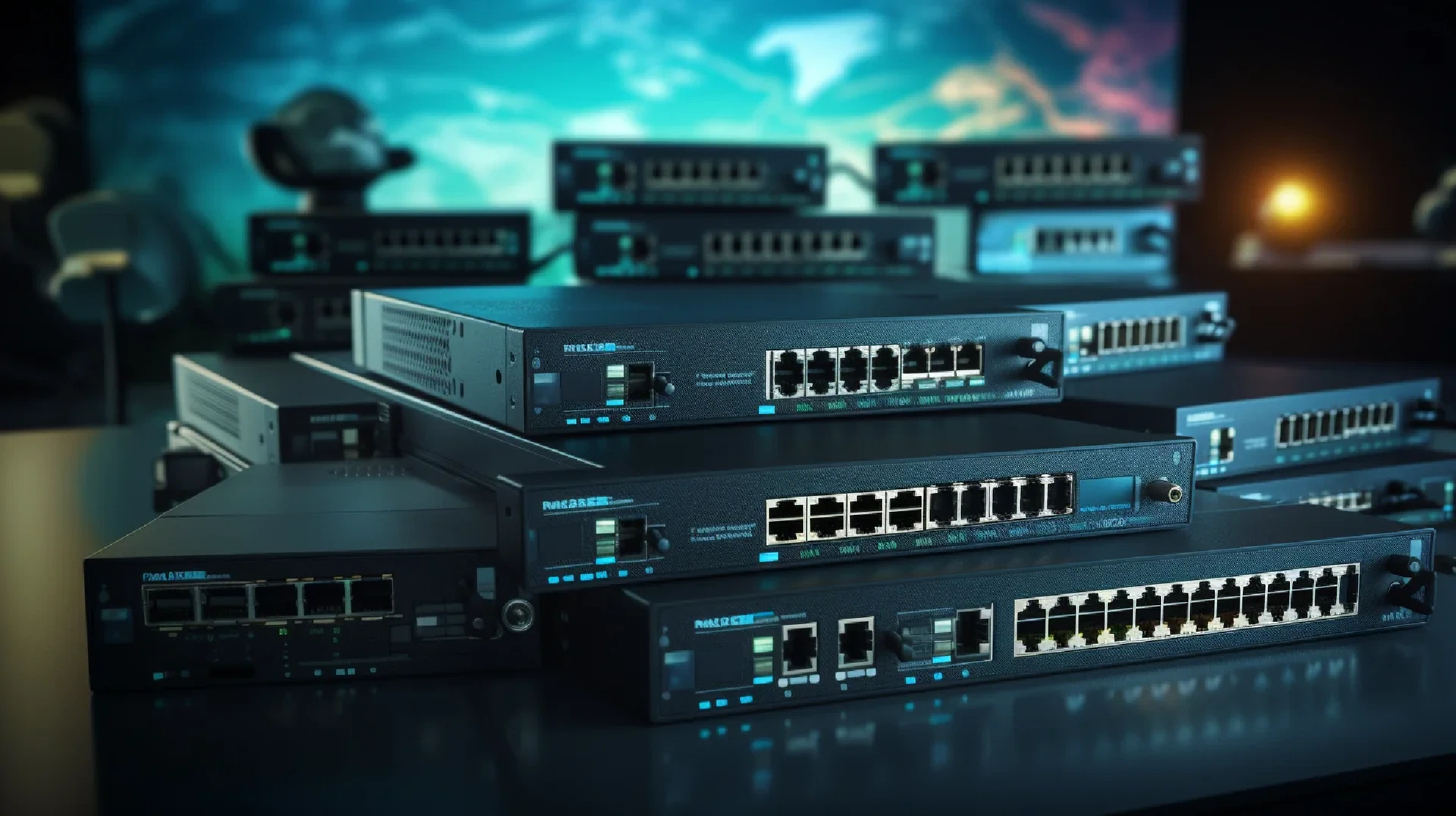
Table of Contents
Click Here to Return To the Network Plus Course Page
Ethernet switching is a fundamental aspect of networking that involves the use of Ethernet switches to connect devices within a local area network (LAN). In this article, we will explore various Ethernet switching features and configurations that are important for network administrators and professionals preparing for CompTIA’s Network+ Certification Exam.
Introduction
Ethernet switches play a crucial role in modern network infrastructures by providing connectivity and facilitating efficient data transmission. Understanding the key features and configurations of Ethernet switches is essential for network administrators to ensure reliable and secure network operations. In this article, we will delve into three important aspects of Ethernet switching: VLANs and Voice VLANs, port configurations, tagging, and aggregation, and port security, mirroring, and jumbo frames.
VLANs and Voice VLANs
What are VLANs?
A Virtual Local Area Network (VLAN) is a logical grouping of devices within a network, regardless of their physical location. VLANs enable network administrators to divide a LAN into multiple isolated broadcast domains, improving security, performance, and manageability. By separating traffic, VLANs help reduce unnecessary broadcast traffic and enhance network efficiency.
Benefits of VLANs
- Enhanced Security: VLANs provide network segmentation, preventing unauthorized access to sensitive resources and reducing the impact of security breaches.
- Improved Performance: By reducing broadcast traffic, VLANs optimize network performance and bandwidth utilization.
- Flexibility and Scalability: VLANs allow network administrators to add, remove, or relocate devices within the network without physically restructuring the network infrastructure.
- Simplified Network Management: VLANs simplify network management by allowing administrators to apply policies and configurations to specific VLANs instead of individual devices.
Voice VLANs
A Voice VLAN is a specialized VLAN used to carry voice traffic in Voice over IP (VoIP) implementations. Voice VLANs ensure that voice traffic is prioritized and delivered with the necessary quality of service (QoS) parameters. By separating voice traffic from data traffic, Voice VLANs help maintain clear and uninterrupted communication.
Configuring VLANs and Voice VLANs
To configure VLANs and Voice VLANs on an Ethernet switch, the following steps can be followed:
- Access the switch’s configuration interface: This can be done through a web-based management interface or a command-line interface (CLI).
- Create VLANs: Create the desired VLANs, assigning unique VLAN IDs and names to each VLAN.
- Assign ports to VLANs: Associate the switch ports with the appropriate VLANs. This can be done by configuring the ports as access ports or trunk ports.
- Configure VLAN tagging: If inter-switch communication is required, configure VLAN tagging (IEEE 802.1Q) on trunk ports.
- Enable Voice VLAN: Configure the switch to enable Voice VLAN functionality and assign the appropriate VLAN ID to the Voice VLAN.
Port Configurations, Tagging, and Aggregation
Port Configurations
Ethernet switch ports can be configured in different modes depending on the desired functionality:
- Access Ports: Access ports are used to connect end devices such as computers, printers, or servers. They belong to a single VLAN and carry untagged traffic.
- Trunk Ports: Trunk ports are used to interconnect switches and carry traffic for multiple VLANs. Trunk ports use VLAN tagging to identify and differentiate VLAN traffic.
- Hybrid Ports: Hybrid ports allow the transmission of both access and trunk traffic. They are commonly used when a port needs to connect to devices belonging to different VLANs.
- EtherChannel: EtherChannel (also known as Link Aggregation) is a technique used to bundle multiple physical links into a single logical link, increasing bandwidth and providing redundancy.
VLAN Tagging
VLAN tagging is the process of adding additional information (VLAN ID) to Ethernet frames, allowing switches to identify and forward VLAN traffic correctly. The most common VLAN tagging method is IEEE 802.1Q, which adds a 4-byte VLAN tag to the Ethernet frame’s header.
Link Aggregation
Link Aggregation, or EtherChannel, combines multiple physical links into a single logical link. This technique improves bandwidth utilization, provides redundancy, and enhances network performance. Link Aggregation Control Protocol (LACP) is commonly used to negotiate and manage the formation of EtherChannel groups.
Port Security, Mirroring, and Jumbo Frames
Port Security
Port security is a feature that allows network administrators to control access to switch ports by limiting the number of MAC addresses or devices allowed to connect. This helps prevent unauthorized devices from connecting to the network and protects against MAC flooding attacks. By configuring port security, administrators can enforce secure access policies and maintain network integrity.
Port Mirroring
Port mirroring, also known as SPAN (Switch Port Analyzer), is a feature that allows network administrators to capture and monitor network traffic passing through a specific port or VLAN. This feature is useful for network troubleshooting, performance analysis, and security monitoring. By mirroring traffic to a monitoring port, administrators can analyze packets without interrupting normal network operations.
Jumbo Frames
Jumbo frames are Ethernet frames that exceed the standard frame size of 1500 bytes. By increasing the frame size, jumbo frames reduce overhead and improve network efficiency. However, jumbo frames require support from all devices in the network path. It’s important to note that jumbo frames are not enabled by default and need to be configured on the switches and network devices that will be handling the jumbo frames.
Conclusion
Ethernet switching features and configurations play a crucial role in building reliable and efficient networks. VLANs and Voice VLANs provide network segmentation and prioritize voice traffic, improving security and performance. Port configurations, tagging, and aggregation enhance network flexibility and scalability. Port security, mirroring, and jumbo frames contribute to network integrity, monitoring, and performance optimization. By understanding and mastering these concepts, network administrators can build robust and secure network infrastructures.
References
Next Steps
Continue with Address Resolution Protocol (ARP) and Neighbor Discovery Protocol and return to the Network+ course .
Progressive Lab Checkpoint 07: Switching and VLANs
This checkpoint extends the
shared course topology
. Work inside an isolated simulator copy. Save 07-before before changing state.
Build and verify: Create one topic-specific diagram, configuration, capture, log, ticket, or test record covering access, trunk, native and voice VLANs, SVI, LACP, STP, port security, SPAN, MTU, and jumbo frames. Tie every choice to R1, R2, SW1, SW2, AP1, SRV1, or an endpoint in the shared topology. Record expected and observed results.
Fault injection and recovery
Remove VLAN 30 from one trunk side or mismatch native VLANs. Repair both ends and retest PC-B.
Deliverable and pass gate
Submit 07-ethernet-switching-vlans-port-configurations-security.md with purpose, affected nodes, risk, rollback, before evidence, fault evidence, recovery evidence, and cleanup statement.
Pass: The artifact covers each named topic, supports the diagnosis with evidence, restores required service, and proves cleanup.
Previous checkpoint | Next checkpoint
Reproducible route and filled sample
Add SW1 F0/23 and F0/24 to SW2 F0/23 and F0/24. On all four ports use channel-group 1 mode active. Configure interface port-channel 1, trunk mode, native VLAN 99, and allowed VLANs 10,20,30,40,99. Remove the original SW1 G0/2 to SW2 G0/1 link before enabling the bundle. On SW1 use spanning-tree vlan 10,20,30,40,99 root primary. On F0/2 use access VLAN 10 and switchport voice vlan 20. Verify with show etherchannel summary, show interfaces trunk, and show spanning-tree. Expected Port-channel1 state is bundled and forwarding.
Primary reference

Related Posts