

Practical AI Workflow Course: ChatGPT and Coding Agents
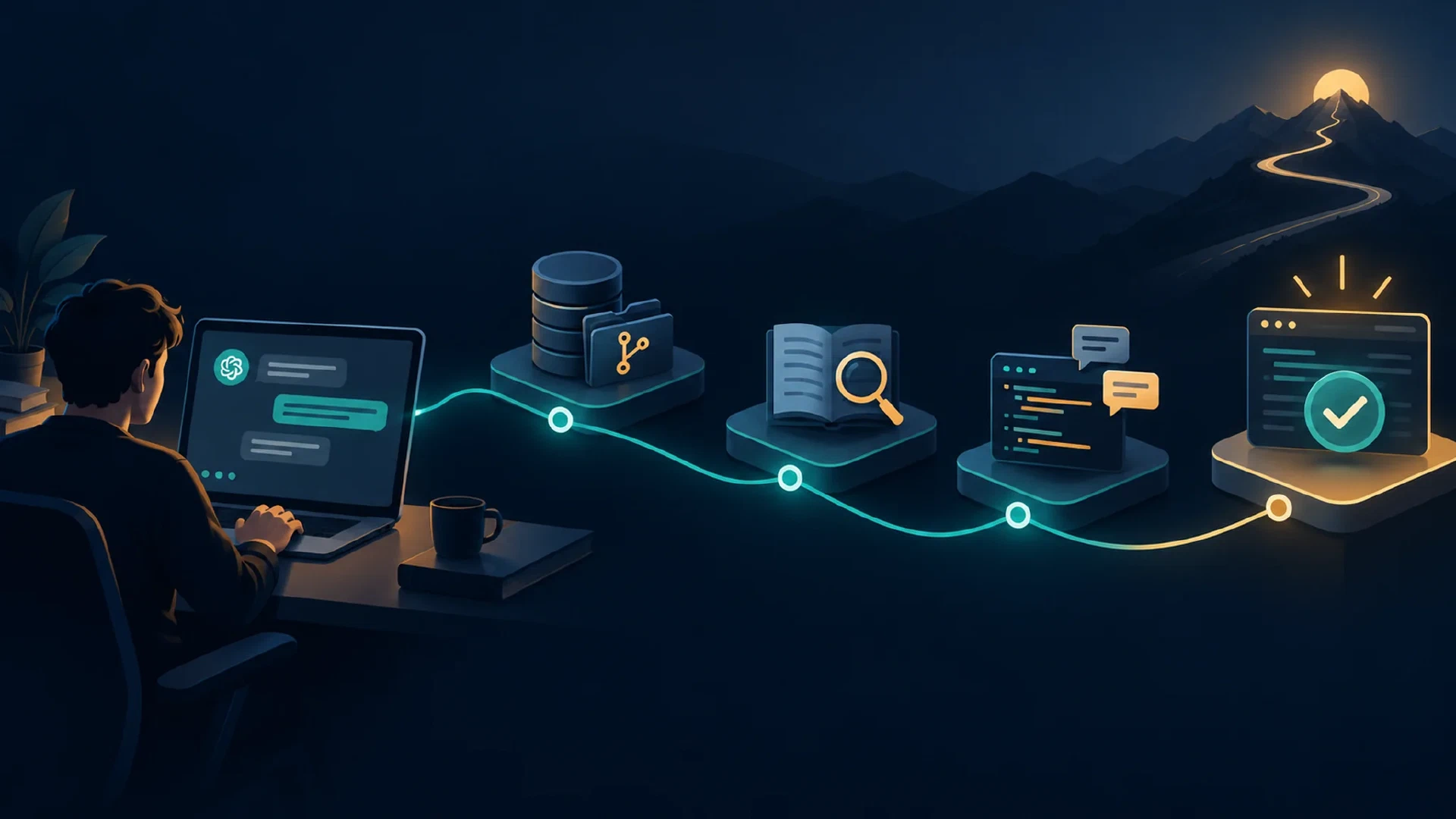
Table of Contents
Learn one reliable workflow for AI-assisted work. Start with a harmless chat task. Then use the same fictional workshop project to set up context, edit a small program, check external information, delegate a review, and verify a finished result.
Who This Course Serves
Start here if you use ChatGPT or Claude and want to work more reliably. Lessons 1 and 2 need no code or terminal. A coding agent is an AI assistant with access to project files and tools. Lesson 0 prepares the local lab before the repository lessons. The setup lesson supplies commands and a reset path.
Plan seven to ten hours for all lessons and practice, plus 90 to 120 minutes for the capstone. Use synthetic data. One chat account and one available coding agent support the hands-on route. You do not need accounts with every product named in the course.
The study route uses a chat account, local Python and Git, browser sources, and separate chats in place of native subagents. It labels MCP and coding-agent steps not run when access is unavailable. This route teaches the method and local checks without claiming hands-on tool use absent from the record.
| Route | Where to start | Completion record |
|---|---|---|
| Browser introduction | Lessons 1 and 2 | Chat artifacts only, not full course completion |
| Study course | Lesson 0, then lessons 1 through 10 and 12 | Manual lab checks, browser source, simulated worker, unavailable tools marked not run |
| Connected course | Lesson 0, then lessons 1 through 10 and 12 | Observed coding-agent edit, MCP read, worker session, and local checks |
Lesson 11 is optional on both full routes. Complete lesson 0 before lesson 3 even if you began in the browser. A study record and a connected record describe different evidence, not different passing scores.
What You Will Build
The shared practice project is a fictional workshop. A chat project holds its approved schedule. A downloadable Python lab reports workshop task counts. Lesson 5 adds a status filter. The capstone starts from a fresh lab and adds a JSON report for another program to read. Python 3.10 or later supports the lesson 5 reference solution. The starter lab archive contains source files, tests, two separate requirements, and reset instructions.
| Stage | Reader artifact |
|---|---|
| Chat | Synthetic schedule, project instructions, corrected reminder |
| Repository | Short AGENTS.md, optional CLAUDE.md pointer, task packet |
| Tools | MCP read record or labeled browser source check |
| Agents | Short worker report and integration decision |
| Delivery | JSON report diff, tests, usage record, fresh-session handoff |
Course Lessons
| # | Lesson | You finish with |
|---|---|---|
| 0 | Set Up the Course Lab | Safe practice folder and passing baseline |
| 1 | Use AI with a Reliable Workflow | Corrected email and review record |
| 2 | Set Up ChatGPT and Claude Projects | Project sources and fresh-chat test |
| 3 | Write Repository Context with AGENTS.md | Project map and source boundary |
| 4 | Write Task Packets | Bounded code-task request |
| 5 | Run Your First Coding Agent Task | Scoped edit, diff, and test result |
| 6 | Control Context Windows | Compact handoff tested in a new session |
| 7 | Connect and Test MCP | Tool read and removal record |
| 8 | Verify AI Output | Source, diff, test, privacy, and cost record |
| 9 | Delegate to Agents | One independent worker report and one integration note |
| 10 | Run Bounded Goal Loops | Retry contract and failure handoff |
| 11 | Evaluate Specialized Agents | Optional access worksheet and pilot decision |
| 12 | Complete the Capstone | Verified JSON report and fresh handoff |
Follow the order for your first pass. The optional specialized-agent lesson helps you assess persistent tools such as OpenClaw and Hermes Agent. It is not required to run the capstone.
Tools Covered
ChatGPT and Claude appear in the project and source lessons. Codex in the ChatGPT desktop app, Codex CLI, Claude Code CLI, and OpenCode appear in the first coding task. Later lessons cover AGENTS.md, CLAUDE.md, MCP servers, worker agents, context windows, goal loops, and specialized agent platforms.
| Surface | Runs the practice task | Best fit in this course |
|---|---|---|
| ChatGPT or Claude chat project | Chat with uploaded project sources | Workshop draft and source checks |
| Codex desktop or CLI | Agent task in a selected local or hosted workspace | Repository edit, diff, and tests |
| Claude Code CLI | Agent session opened from the lab folder | Repository edit and worker review |
| OpenCode TUI | Agent session using a chosen provider and local project | Repository edit with provider choice |
| OpenClaw or Hermes Agent | Separate persistent agent runtime, based on its configured host | Optional trigger, memory, and access evaluation |
Choose one coding surface for the lab. Check its active workspace, provider, permission settings, and local or remote execution before sharing files. The first coding task gives the launch path. The specialized-agent lesson addresses persistent runtimes.
Detailed product selection already has its own guides. Use the site’s CLI coding agent comparison and GUI coding agent comparison if you need a longer product choice. This course keeps the main path focused on one small project.
Completion Standard
Finish each lesson’s artifact and check it. The capstone asks for seven checkpoints: project brief, repository map, external source, worker review, scoped edit, independent tests, and fresh handoff. Record observed outcomes separately from expected examples. Mark a step not run when you use a fallback route.
A complete connected result includes a code diff limited to the allowed files, passing tests, a default count of 4, valid JSON with two open and two done tasks, an error for an invalid format, and a fresh session naming the source and outcome. A configured tool or agent message alone does not pass a checkpoint.
Continue After This Course
This course teaches beginner operation in one small repository. The AI Collaboration Implementation Course covers team authority and publication across GitHub, Confluence, and Jira. Its retention lab, permissions, and recovery work begin after you know the workflow here. The AI collaboration framework explains broader source ownership.
Start with Course Setup . Return to Courses and Playbooks for other study paths.

