

CompTIA CySA+ (CS0-003)
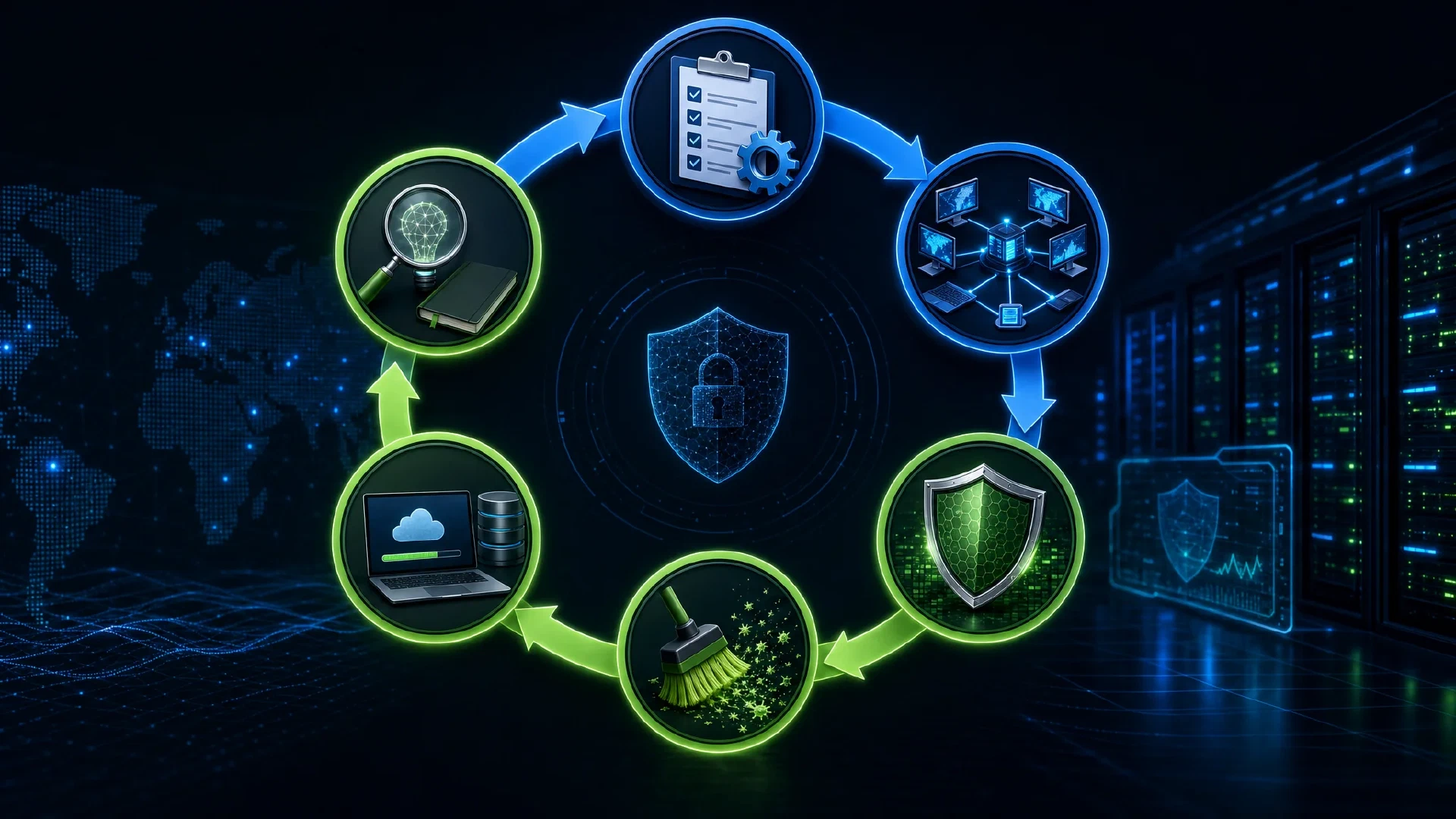
Table of Contents
Click Here to Return To the CompTIA CySA+ Course Page
Incident Response Management is 20% of the CompTIA CySA+ (CS0-003) exam. This module teaches you to respond to incidents from detection through lessons learned, and to collect forensic evidence that holds up. Preparation before an incident decides how well you respond during one.
The Incident Response Lifecycle
Follow the structured lifecycle from preparation to review:
- Preparation: plans, playbooks, tooling, and training
- Detection and analysis: confirm an event is an incident
- Containment: stop the spread
- Eradication: remove the threat
- Recovery: restore service safely
- Lessons learned: improve for next time
You classify incidents by severity, category, and impact, then triage to decide scope. A documented playbook turns a chaotic event into a repeatable process.
Containment Strategies
Contain fast without destroying evidence:
- Network isolation: move the host to a quarantine VLAN
- Account disablement: lock compromised credentials
- Segmentation: block lateral paths
Pulling the power cord destroys volatile memory evidence, so isolate the network instead when you need forensics.
Order of Volatility and Chain of Custody
Collect evidence from most to least volatile: CPU registers and cache, RAM, network state, disk, then backups and archives.
Maintain chain of custody so evidence is admissible. Document who collected each item, when, where it was stored, and every transfer. Hash evidence to prove it has not changed:
sha256sum disk.img > disk.img.sha256
Disk and Memory Forensics
Image first, analyze the copy:
sudo dd if=/dev/sda of=/evidence/disk.img bs=4M status=progress
- Autopsy and FTK analyze disk images for files, deleted data, and timelines
- Volatility analyzes memory captures for running processes, injected code, and network connections
A memory image reveals what disk forensics misses: decrypted data, in-memory-only malware, and active connections.
Malware and Root Cause Analysis
Analyze suspicious files two ways:
- Static analysis: inspect strings, hashes, and headers without running it
- Dynamic analysis: detonate it in a sandbox and watch behavior
Trace the incident to its origin with root cause analysis (RCA). Identify the initial access (often phishing or an exposed service), then map how the attacker moved and persisted.
Identifying Persistence
Attackers stay resident through known mechanisms. Check each:
- Registry run keys and scheduled tasks on Windows
- cron jobs and systemd units on Linux
- New services, startup folders, and web shells
Eradication and Recovery
Remove the threat, then restore safely:
- Eradicate: remove malware, close the entry point, and rebuild compromised systems from known-good images
- Recover: restore from clean backups and monitor closely for reinfection
Restore from a backup taken before the compromise, since a recent backup may already contain the malware.
Coordination and Review
Coordinate with legal, HR, and executives during response, and meet breach notification obligations on time. After recovery, run a post-incident review that captures what worked, what failed, and which controls to add. Apply threat hunting to confirm the attacker is fully evicted.
Next Steps
Incident response draws on Security Operations detection and Vulnerability Management findings. Document the outcome with Reporting and Communication . Return to the CompTIA CySA+ Course .