
A+ 220-1201 and 220-1202 Preparation Path

Table of Contents
CompTIA A+ now uses Core 1 220-1201 and Core 2 220-1202. This page previously discussed retired 220-1101 and 220-1102 exams. Use the current A+ course and the official objectives linked there to set your study plan.
Return to the Cybersecurity Career Playbook .
Learn the Support Workflow
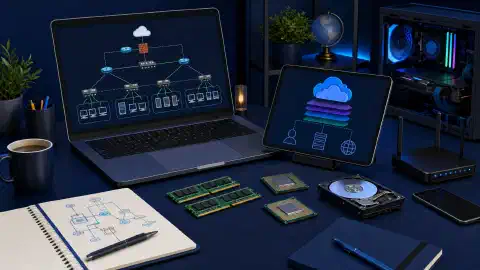
Core 1 covers mobile devices, networking, hardware, virtualization and cloud, and hardware or network troubleshooting. Core 2 covers operating systems, security, software troubleshooting, and operational procedures. Check the official domain weights and objectives before deciding how much time to spend on each topic. The two exams require separate preparation and both must be passed for the credential.
Use a spare computer or disposable VM. Keep personal data and employer devices out of the exercise. Record a baseline and practice these tasks:
- Identify CPU, memory, storage, firmware mode, and network adapters. Show where each value came from.
- Diagnose a safe network fault such as an incorrect DNS server in a VM. Record the symptom,
ipconfigoripoutput, a test, the repair, and a successful retest. - Create a least privilege local account in a disposable OS. Test one allowed and one denied action. Remove it after recording the result.
- Restore a test file from a backup and compare its contents with the original.
A support ticket should state the user’s symptom, scope, tests, cause, fix, verification, and follow-up. If the first theory fails, document the evidence that changed your mind.
Check Readiness
Complete each official objective with either observed lab evidence or a study note that names your gap. Then use the A+ practice test to identify recall errors. Verify exam details and current pricing directly with CompTIA before booking.

Related Posts