

Cisco CCNA (200-301): Network Fundamentals
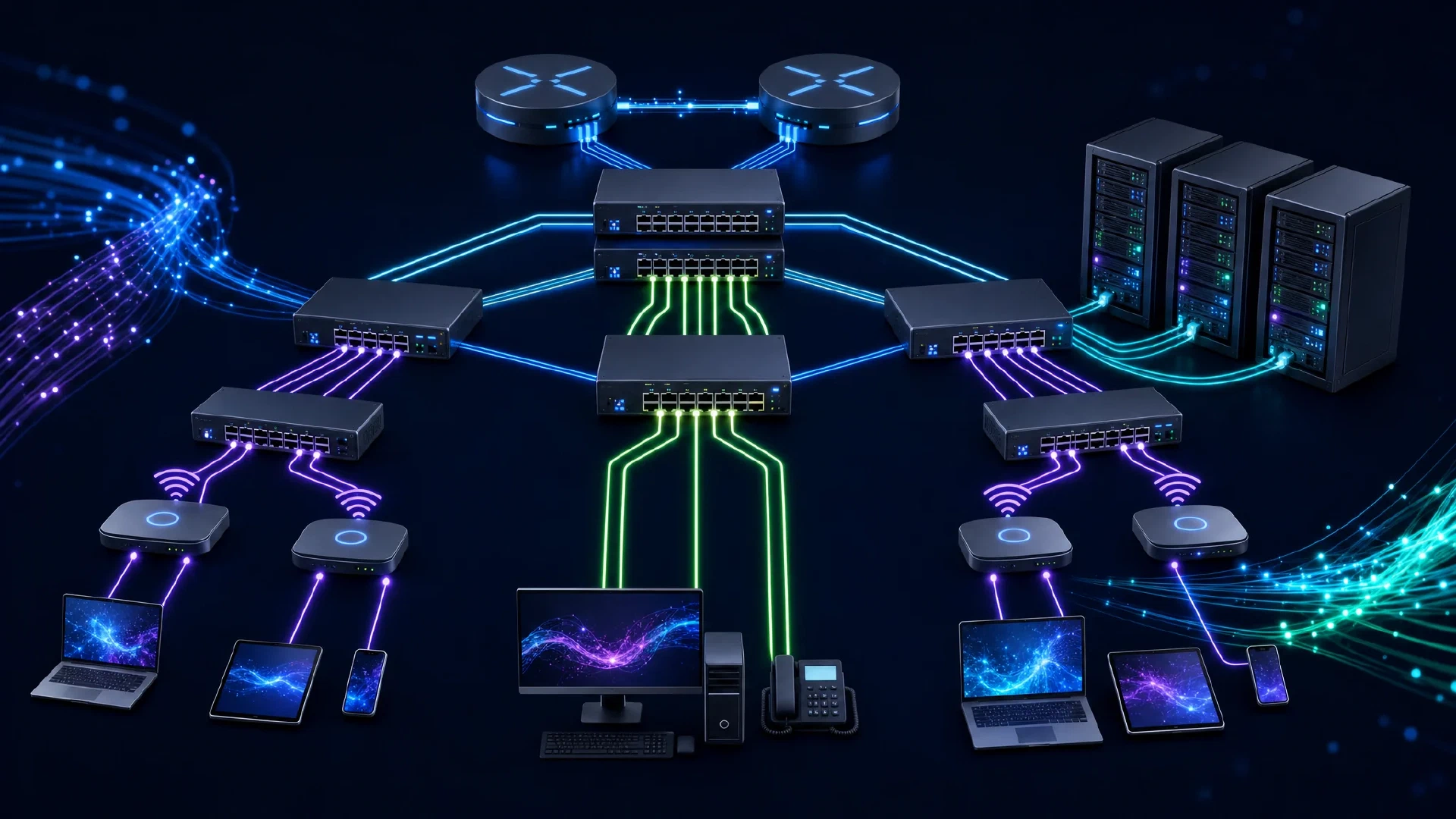
Table of Contents
Click Here to Return To the Cisco CCNA Course Page
Network Fundamentals is 20% of the Cisco CCNA (200-301) exam. This module covers the components, addressing, and switching concepts that underpin every network. Subnetting shows up everywhere, so practice it until it is automatic.
A solid grasp of these basics makes every later domain easier. You learn what each device does, how data moves, and how addressing ties it together.
Network Components
Each device plays a specific role in moving and protecting traffic.
| Component | Role |
|---|---|
| Router | Forwards packets between networks using Layer 3 addresses |
| Layer 2 switch | Forwards frames within a LAN using MAC addresses |
| Layer 3 switch | Switches frames and routes between VLANs |
| Next-generation firewall | Filters traffic with deep inspection and application awareness |
| IPS | Detects and blocks malicious traffic inline |
| Access point | Bridges wireless clients to the wired network |
| WLC | Centrally manages many access points |
| PoE | Delivers power and data over a single Ethernet cable |
Topologies and Cabling
Network designs scale from a small office to a data center.
- Two-tier (collapsed core) merges core and distribution for smaller sites.
- Three-tier separates core, distribution, and access for large campuses.
- Spine-leaf gives predictable latency in modern data centers.
- SOHO covers a small office or home office network.
Cabling choice depends on distance and speed. Single-mode fiber carries signals the farthest, multimode fiber suits shorter runs, and copper works for short links inside a building. Watch for duplex mismatch, speed mismatch, collisions, and errors when a link misbehaves.
TCP Versus UDP
Both protocols ride on top of IP, but they trade reliability for speed.
| Feature | TCP | UDP |
|---|---|---|
| Connection | Connection-oriented | Connectionless |
| Reliability | Acknowledged, retransmits | Best effort |
| Use case | Web, email, file transfer | Voice, video, DNS |
IPv4 and IPv6 Addressing
You must configure and verify IPv4 addressing and subnetting. Private ranges (RFC 1918) conserve public addresses and stay inside the network.
| Class | Private range |
|---|---|
| A | 10.0.0.0/8 |
| B | 172.16.0.0/12 |
| C | 192.168.0.0/16 |
IPv6 solves address exhaustion with 128-bit addresses. Know these types:
- Global unicast is routable on the internet.
- Unique local is private, similar to RFC 1918.
- Link local (FE80::/10) is automatic and stays on the local link.
- Multicast and anycast deliver to groups and to the nearest member.
! Assign an IPv4 address and an IPv6 address to an interface
Router(config)# interface g0/0
Router(config-if)# ip address 192.168.10.1 255.255.255.0
Router(config-if)# ipv6 address 2001:db8:acad:10::1/64
Router(config-if)# no shutdown
Switching Concepts
A switch builds a MAC address table by learning the source MAC of every frame it receives.
- MAC learning records which port reaches each MAC address.
- Aging removes stale entries after a timeout.
- Frame flooding sends unknown unicast, broadcast, and multicast frames out all ports.
! View the MAC address table
Switch# show mac address-table
Wireless and Virtualization
Wireless networks use nonoverlapping channels (1, 6, and 11 on 2.4 GHz) to avoid interference. An SSID names the network, and encryption protects the air. Virtualization runs many servers on one host, while containers package apps lightly, and VRFs create separate routing tables on one router.
Next Steps
Build switched networks in Network Access , then route between them in IP Connectivity . Review tips for passing certification exams and return to the Cisco CCNA Course .