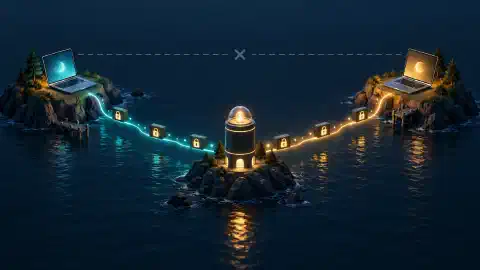
Why Port Forwarding Doesn’t Work on T-Mobile Home Internet
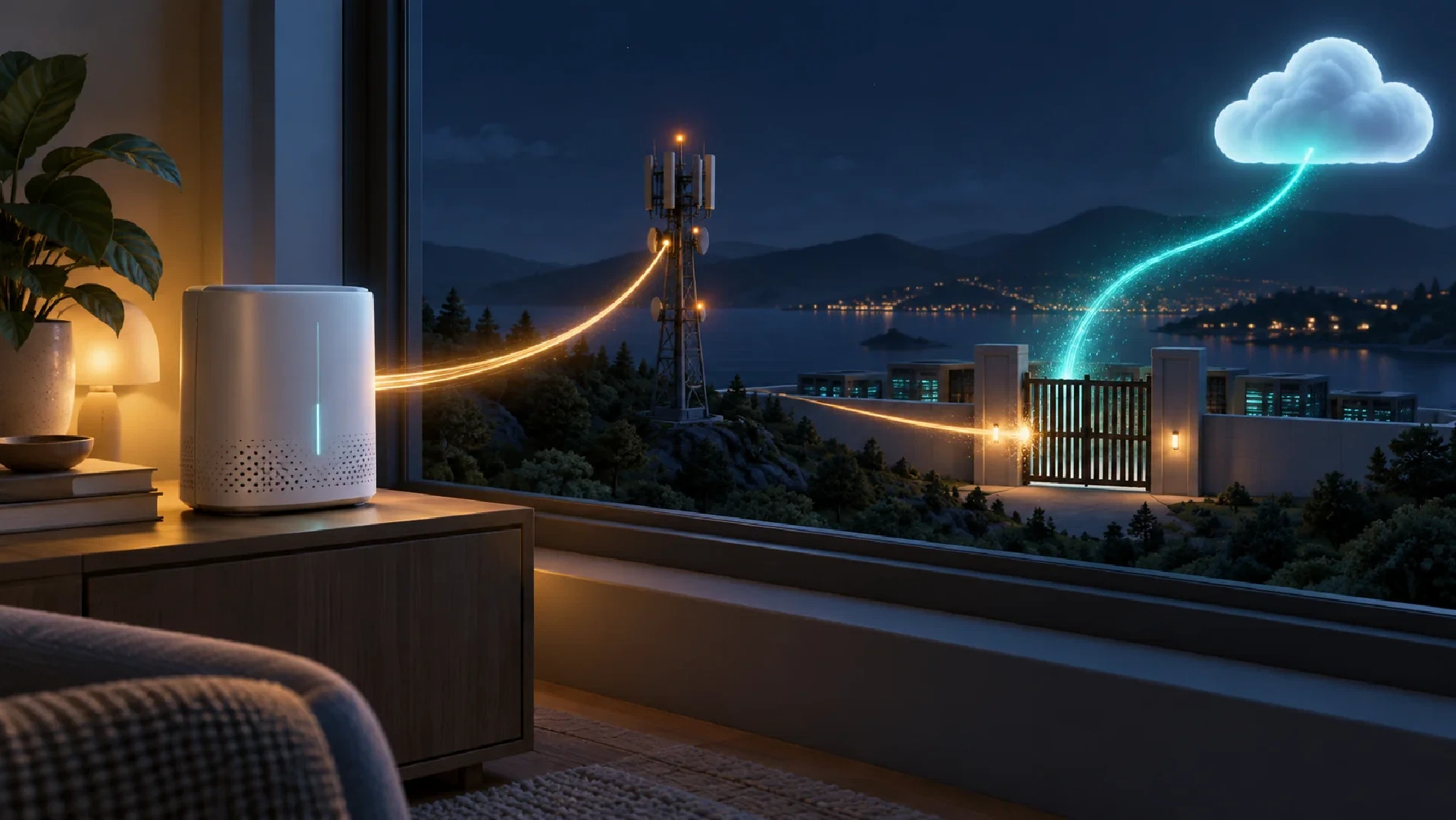
Table of Contents
T-Mobile’s consumer 5G Home Internet gateways do not offer configurable port forwarding. Adding a rule to a second router does not change the carrier gateway’s settings or create a public inbound route. T-Mobile also documents no bridge-mode toggle or adjustable network address translation (NAT) type. T-Mobile gateway settings .
This article covers cellular Home Internet. Treat fiber and business products as separate services with their own documented capabilities.
Key Takeaways
- Identify the limit: distinguish a gateway feature from upstream address translation.
- Inspect the path: record where each address and port belongs.
- Compare alternatives: match client access and protocol requirements to a hosting method.
- Write a decision: produce a connection plan with a test and fallback.
Before You Begin
Audience: T-Mobile cellular Home Internet users trying to reach a home service from outside. Prerequisites: access to the server, its local network settings, and the supplied gateway’s status information. A second Internet connection is useful for the final remote test.
Estimated effort: 15–20 minutes to gather requirements and run local checks. Configuring a replacement access method takes additional time. Difficulty: beginner to intermediate. The objective is a justified connection choice, rather than another unused router rule.
Why a Local Port Rule Is Insufficient
Port forwarding maps incoming traffic at a router to an internal destination. For a home server to receive unsolicited Internet traffic, the route must work through every relevant upstream device. A successful local connection proves the server is reachable inside your network, not from outside it.
Carrier-grade NAT (CGNAT) adds address translation in the provider’s network. Subscribers share public IPv4 capacity, while the provider controls the outer translation. RFC 6598 reserves 100.64.0.0/10 for shared address space used in this kind of deployment.
RFC 6598
.
Gateway support and carrier NAT are separate issues. T-Mobile’s support page establishes the gateway restriction. CGNAT explains why configuring your own router is also insufficient when upstream translation sits outside your control. A missing port-forwarding menu alone does not reveal the full carrier network design.
The practical outcome is a choice of connection model. Use an overlay network for private access, an outbound tunnel for an HTTP service, or a hosted endpoint when outside users need public access. Test the chosen method from a separate network. Do not use a successful LAN request as evidence of external reachability.
| Change | What it changes | What remains unresolved |
|---|---|---|
| Rule on a second router | Forwarding on your router | Carrier gateway and upstream route |
| Different DNS resolver | Name resolution | Inbound connectivity |
| Dynamic DNS hostname | A name following an address | A usable inbound path |
| Faster Wi-Fi | Local wireless performance | Reachability from the Internet |
Dynamic addressing means an address changes over time. It is distinct from sharing an address through NAT. T-Mobile documents dynamic addressing and no consumer Home Internet option to change it to static on this support page. T-Mobile connection limitations .
Trace the Address Ownership
In a provider-NAT example, the path has several independent boundaries:
Remote client -> provider translation -> home gateway -> optional router -> server
                   provider controls      home devices and local settings
An address visible to a website describes the connection reaching the website. It does not establish an inbound mapping to your server. The CGN requirements document discusses mappings in terms of subscriber identity, external address, port, and time. RFC 6888 .
Record the interface: distinguish your server’s local address, a second router’s WAN address, the cellular gateway’s reported address, and an external service’s observation. Here, WAN means the upstream side of a router. An address without its interface label is weak diagnostic evidence.
Consider this illustrative observation, using documentation addresses for the public side:
| Observation point | Example reading | Interpretation |
|---|---|---|
| Server LAN | 192.168.50.10 | Local destination |
| Second router WAN | 192.168.12.20 | Another private network upstream |
| External IPv4 check | 203.0.113.25 | Address seen outside |
Supported conclusion: the second router is behind another private network. Unsupported conclusion: its WAN reading proves the exact carrier translation arrangement. Inspect the cellular gateway separately if its status page exposes the relevant address.
Address-space clue: a provider-facing address in 100.64.0.0/10 is shared address space. Record which interface reports it. A private-network tool also assigning addresses from this range would make an unlabeled screenshot ambiguous. The range itself is defined by
RFC 6598
.
Check the Local Service
For an HTTP dashboard, run this request from another Linux or macOS device on your home network. Replace the example address and port with your server’s values:
curl --connect-timeout 5 --max-time 10 --output /dev/null --write-out '%{http_code}\n' http://192.168.50.10:8080/
--connect-timeout bounds connection setup. --max-time bounds the whole request. --output discards the response body, and --write-out displays the HTTP status. These options are documented in the
curl manual
.
Interpret the result: an HTTP response, including an authentication response, shows an HTTP endpoint answered on this route. Confirm its identity in your browser. A timeout does not identify the failing layer. Inspect the listening address, port, and host firewall next.
This check applies to HTTP. A game using UDP needs a protocol-appropriate test.
Choose an Alternative Around the Service
Private access and public hosting have different requirements. Start by deciding who needs the connection and whether they are willing to install a client.
TCP transports an ordered stream over a connection. UDP transports individual datagrams. Hosting support must match the application’s transport, even when two services use the same numeric port.
| Need | Approach to evaluate | Main constraint |
|---|---|---|
| Your laptop reaching your home server | Tailscale private network | Enroll devices and configure access rules |
| A private browser dashboard | Cloudflare Tunnel plus Access | Configure the hostname and identity policy |
| A website for public visitors | Public hosting or an appropriate tunnel | Review protocol, capacity, and service requirements |
| A game server for ordinary game clients | Hosting with documented inbound port support | Match the game’s TCP/UDP requirements |
Tailscale attempts a direct connection and supports relayed connectivity when direct communication fails. This avoids relying on a manually forwarded home port, although the resulting path affects performance. Read the Tailscale connection overview and our relay explainer .
Cloudflare Tunnel establishes an outbound connection from your server. For a private dashboard, pair it with an Access policy. A published hostname without the policy does not add an identity check. See Tunnel connectivity and Tunnel vs Access .
A VPN subscription alone does not specify an inbound hosting arrangement. Before buying any service, verify its supported protocols, exposed ports, authentication options, and restrictions. For a game server, ask specifically about the game’s required UDP ports.
What About IPv6?
IPv6 addressing and inbound permission are separate requirements. IPv6 reduces dependence on IPv4 address translation, while stateful gateway filtering still controls incoming connections. RFC 6092 describes residential IPv6 filtering, including handling unsolicited traffic. It does not document the settings on your T-Mobile gateway. Residential IPv6 security recommendations .
Evaluate the complete route: the remote client needs IPv6 connectivity, the server needs an appropriate address and listener, and the network must permit the traffic. A successful IPv6 browsing test proves an outbound path. It does not prove an Internet client reaches your server.
| Evidence | What it establishes |
|---|---|
| An IPv6 address on the server | An address is assigned to an interface |
| A successful outbound IPv6 request | This client reached an external service |
| A remote application response | The tested inbound application route works |
Decision rule: choose IPv6 hosting only after confirming the complete inbound path and your clients’ compatibility. Avoid treating an address assignment as a substitute for a remote application test.
Check the Application Before Changing the Network
Use these diagnostic steps to separate local failures from remote-access limits:
- Local connection: confirm another home device reaches the server’s local address and intended port.
- Service configuration: confirm the application listens on the expected interface and the host firewall permits the intended client.
- Audience: decide whether access is private or public.
- Remote test: test the chosen tunnel or private-network connection from a different Internet connection.
- Performance: measure the actual workload after connectivity succeeds.
A failed local test needs attention before choosing a remote-access service. Port forwarding would not repair an application listening on the wrong interface.
Work Through a Hosting Choice
Scenario: you want to read a home dashboard while traveling, and two friends want to join a game server. Your dashboard is HTTP. The game requires UDP, and your friends want to use ordinary game clients without installing another network client.
Separate the requirements. A browser-based dashboard with a small identity list fits an authenticated web publishing arrangement. The game needs a public route supporting its required transport and clients. Solving the first requirement does not establish support for the second.
| Requirement | Reasoned choice |
|---|---|
| Private dashboard in a browser | Evaluate Tunnel plus Access |
| Personal access with enrolled devices | Evaluate a private overlay network |
| Public UDP game clients | Evaluate hosting with documented UDP reachability |
Review question: would dynamic DNS make the game reachable through an unavailable inbound route? No. Updating a hostname does not create the required mapping or listener. Reject proposals addressing only the name while leaving the route unexplained.
Tradeoff to record: moving the game to external hosting changes recurring cost and administration. Asking friends to join a private network changes their setup requirements. Choose after confirming which constraint is negotiable.
Build a Connection Plan
Create a one-service plan with these fields:
Application and required TCP/UDP ports:
People or devices needing access:
Client installation acceptable:
Local service test result:
Inbound path available:
Chosen access method:
Authentication method:
Remote test and success criterion:
Fallback if the test fails:
Completion criterion: every step from the remote client to the application has an identified owner and supported mechanism. For a home tunnel, include the connector. For external hosting, include the host’s firewall and public listener. Leave unsupported assumptions visible until verified.
Next Steps
For a browser dashboard, start with the Cloudflare Tunnel setup guide and add Access. For broader service context, read the T-Mobile Home Internet overview .

Related Posts