OpenCode CLI vs Desktop: 2026 Workflow Comparison
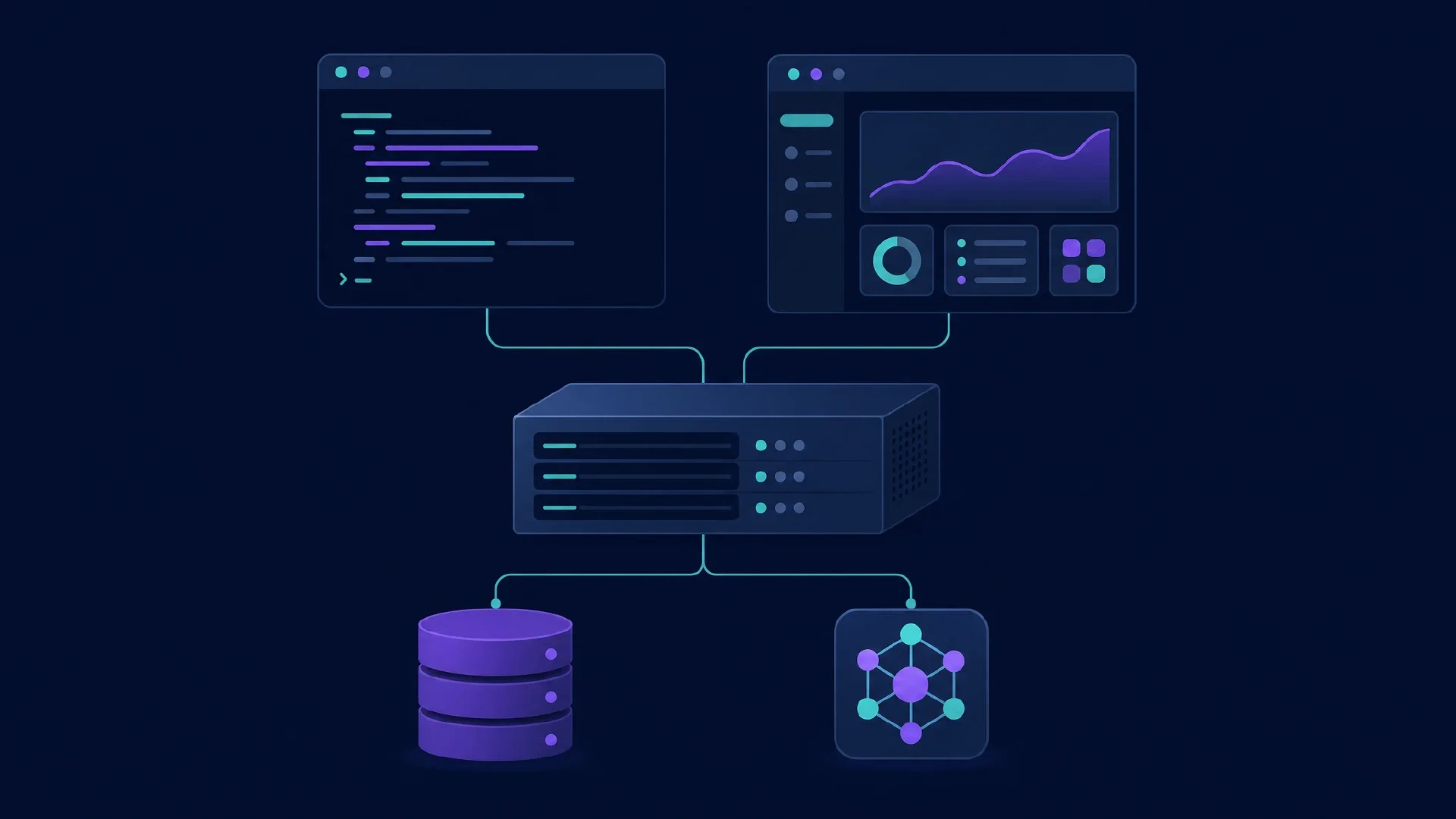
Table of Contents
OpenCode CLI and desktop are clients for the same coding-agent product. The terminal interface suits keyboard-driven work and scripts. The desktop application supplies a graphical workspace. The important comparison includes the server, project, provider, and configuration behind each client.
Choose the interface after identifying the backend. Two OpenCode windows do not necessarily use the same server or session. A desktop application pointing at a different server is a different execution environment, even if its model label looks familiar.
Key Takeaways
- Use the CLI for terminal work and non-interactive commands.
- Use desktop for a graphical workspace, while checking its selected server.
- Provider configuration determines inference, independently of the interface.
- Shared product identity does not guarantee shared session state across separate servers or versions.
Scope and date: Official documentation checked on October 6, 2026. This guide compares interfaces, not model quality. You need a repository, a working provider connection, and basic terminal familiarity. Allow 45–60 minutes for the trial.
The Client and Server
OpenCode separates its interface from its server. The
server documentation
describes the terminal UI as a client and opencode serve as a standalone server. This architecture supports multiple ways to interact with the agent.
Desktop starts a local server by default. The
troubleshooting guide
identifies its opencode-cli sidecar and the option to connect to a configured server URL. When behavior differs between clients, inspect this connection before changing the prompt.
| Layer | Question to answer |
|---|---|
| Client | Terminal UI, desktop app, or non-interactive command? |
| Agent server | Which process receives the request? |
| Repository | Which directory does the server access? |
| Model provider | Which service supplies inference? |
| Session | Existing conversation or new task? |
A server location is not an inference location. An agent server on your computer still sends requests to a configured hosted model. Conversely, a compatible local inference service is a separate process with its own model and resource requirements.
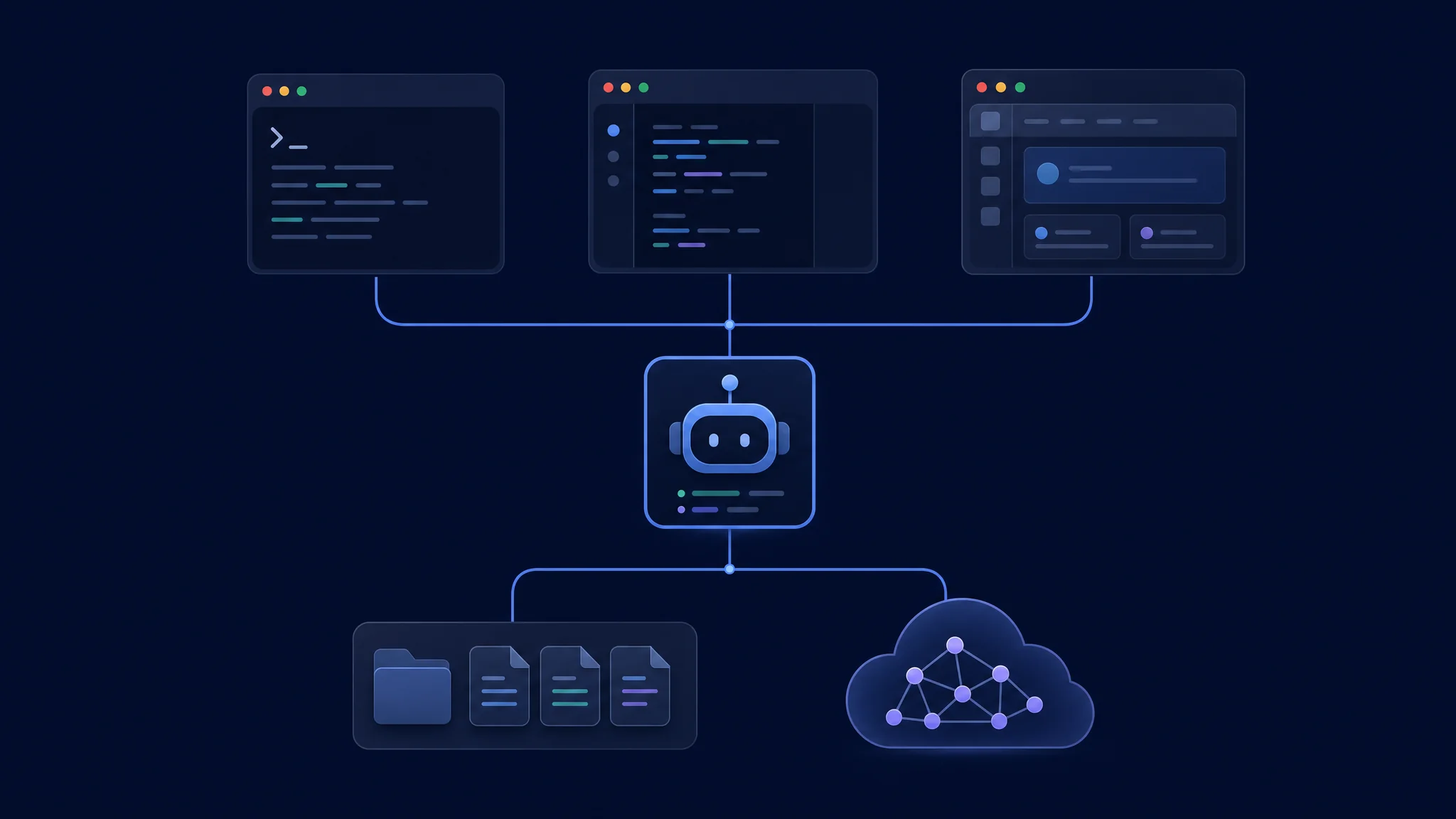
Check the agent server and inference provider independently
Terminal Interaction and Automation
opencode
The default command opens the terminal UI. The CLI reference also documents programmatic commands. Start in the intended repository and confirm the selected agent and model before asking for edits.
opencode run "Identify this project's test command. Do not modify files."
Use opencode run for a bounded non-interactive request. Establish the appropriate permission policy separately. A prompt requesting no changes is useful direction, but it does not enforce filesystem isolation.
Choose this workflow when shell composition matters. A repeatable wrapper should capture the request, exit status, relevant output, and changed files. Keep failure handling explicit. An empty diff and a success message require different interpretation from a verified fix.
Desktop Setup and Compatibility
Use the official download page for the intended release. OpenCode’s download page lists terminal and desktop packages. At this check, the download page advertises v2 terminal packages while the general documentation also contains older installation examples. Record the exact client and backend versions instead of mixing instructions from different release tracks.
Evaluate the desktop interaction with a small real task. Open a project, confirm the server, submit a bounded request, inspect changed files, and ask for a correction. Judge how much effort it takes to understand the agent’s actions. Do not assume a graphical client provides a complete replacement for your editor and debugger.
| Desktop trial | Expected evidence |
|---|---|
| Project selection | Agent identifies the intended repository |
| Model selection | Provider and model match the trial record |
| Command execution | Required runtime and tests are available |
| Change inspection | Full patch is easy to locate and review |
| Restart | Intended project and session remain identifiable |
Configuration and Model Access
OpenCode merges configuration from multiple locations. Its configuration reference explains precedence and preservation of non-conflicting settings. Compare the effective model, agent, and permissions, not only a single project file.
Provider access belongs to the execution setup. The provider guide describes supported services and compatible endpoints. Credentials, endpoint reachability, and model tool support all matter. A server running elsewhere needs its own valid access to the provider and repository.
The client does not set your total inference cost. Compare billed usage under matching models and tasks. Include repeated runs caused by configuration errors. If you use local inference, record system memory, model format, context size, and runtime settings instead of presenting a desktop download as a free replacement for hosted computation.
Sessions and Safe Switching
Verify continuity rather than assuming it. Record the active project and session before moving between clients. Check whether the destination connects to the intended server and displays the intended history. If you start a new session, give it a concise handover with the goal, completed work, and remaining checks.
Avoid concurrent edits to one checkout. Two conversations with different plans still share files when they target the same directory. Use separate worktrees or checkouts for independent experiments. Review before integrating their changes.
Handover record
Goal:
Current branch and working directory:
Files changed:
Checks already completed:
Known failures:
Next approved action:
This record makes a handover inspectable. It also helps distinguish an interface issue from a missing instruction or environment mismatch. Keep credentials out of the record.
Server Access and Permissions
Treat the agent server as an execution service. The server documentation describes optional authentication through OPENCODE_SERVER_PASSWORD. Configure access intentionally before connecting across machines. A reachable agent server is not equivalent to a harmless static website.
Review tool permissions independently. OpenCode’s permission guide defines allow, ask, and deny behavior. Apply the same policy during your interface trial. Do not interpret a client with fewer prompts as safer or more capable without checking the effective rules.
Start with a harmless policy test. Ask for a permitted file inspection and a prohibited edit in a disposable project. Verify observed behavior, then proceed to a bounded implementation. This makes the permission assumption testable.
Troubleshooting and Your Choice
| Symptom | First inspection |
|---|---|
| Desktop connection failure | Selected server and local sidecar status |
| Model missing in one client | Server version, provider access, and configuration |
| Different test result | Project directory and runtime environment |
| Missing conversation | Server and session identity |
| Works until a plugin loads | Plugin configuration and release compatibility |
Choose the terminal if scripted requests and shell context make work easier. Choose desktop if graphical project navigation improves your supervision. Keep provider and policy decisions separate from this preference.
Next steps: Compare terminal alternatives in the CLI roundup . For local inference requirements, read the OpenCode and Strata guide . For graphical alternatives, use the GUI roundup .

Related Posts