Local AI Privacy: What Stays on Your Computer and What Does Not
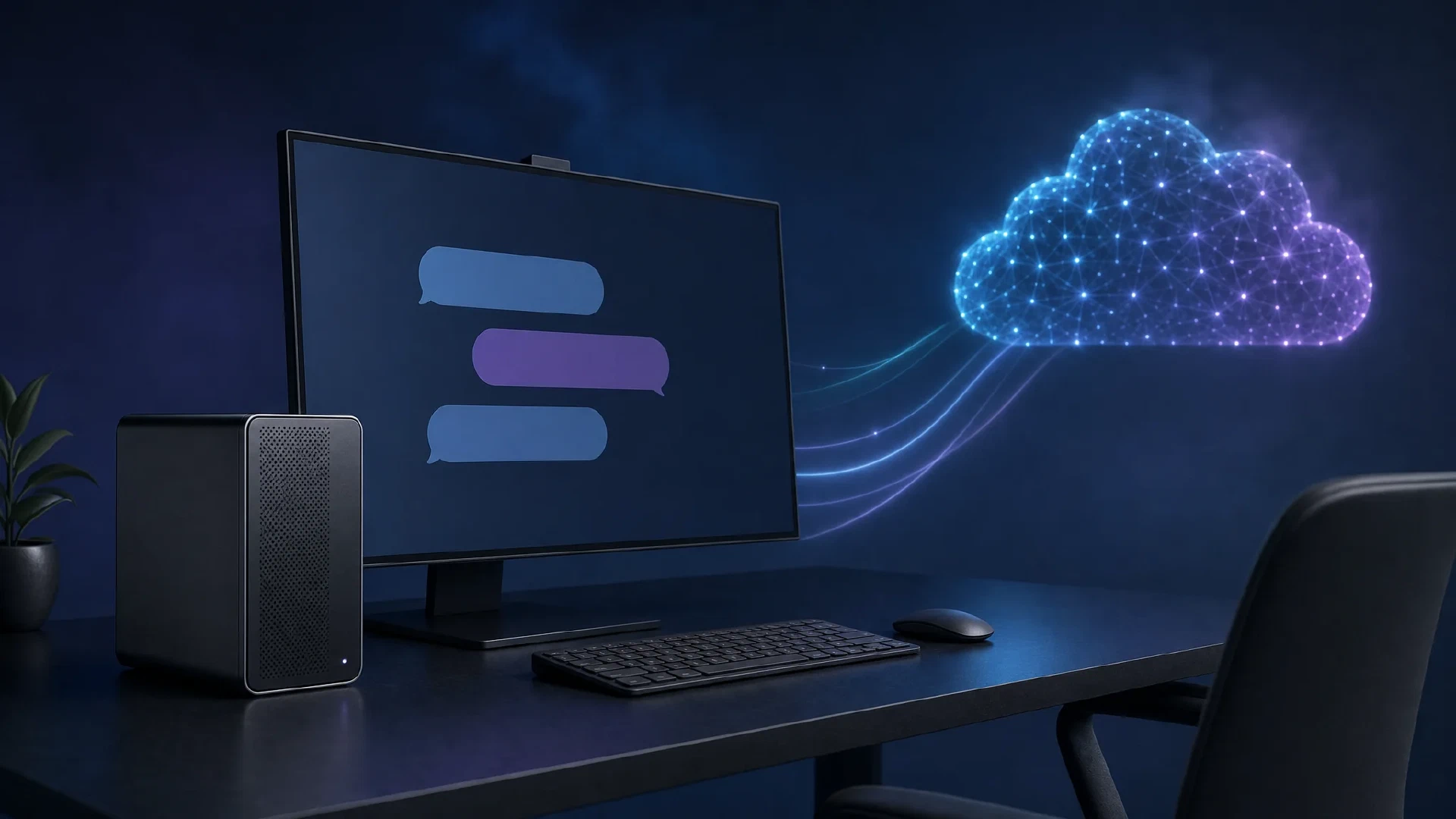
Table of Contents
Local AI gives you a smaller data boundary. A prompt processed by a local runtime stays on your device when the model, tools, logs, and network path stay local. A local GPU does not turn a computer into a sealed system.
Model runtimes, tool plugins, browser extensions, remote access, exposed APIs, and model downloads still shape your risk. Cost matters too. Electricity might undercut a hosted token price while hardware ownership pushes the full break-even point far into the future.
This guide maps the privacy boundary first. It then checks the cost using current vendor prices, an explicit power assumption, and the reported figures from the supplied video.
This local-versus-hosted cost comparison provides context for the formulas below. Do not copy its throughput figures without testing the same model file and runtime on your hardware.
The video reports a 2 minute 31 second runtime. I verified its title and runtime through the watch page. I did not reproduce the hardware test, so its reported speeds remain source-reported measurements.
The Short Answer
- Choose local inference for a controlled data path. Keep the model server on the device, bind it to loopback, and restrict tool access.
- Choose hosted inference for occasional work. Avoid hardware spending when your workload is small or your preferred model does not fit your system.
- Treat local cost as two numbers. Separate electricity per active hour from hardware ownership.
- Treat privacy as a system property. A private model loses its benefit when a plugin uploads files or a local API listens on every network interface.
Local inference helps when sensitive text must stay inside a workstation or an isolated network. It also helps when you need offline operation, a fixed model version, or predictable access without a provider quota.
Those benefits do not prove better answers. A hosted model might fit a task better, finish faster, or need less maintenance. Measure the workload before buying hardware.
Trace the Data Path
Map every component involved in a request. The model name alone does not show where data travels.
| Component | Privacy question | Evidence to collect |
|---|---|---|
| Local model server | Does the prompt stay on the host? | Process configuration, listening address, and outbound traffic |
| Cloud model | Which text, files, and tool results leave the host? | API endpoint, provider terms, request logs, and account settings |
| Cloud mode in a local app | Does the selected model run on the device? | Model identifier, provider label, and network connection |
| Tool plugin | Does the model receive files, shell output, or browser content? | Tool list, permissions, and captured request data |
| Model download | Which code and weights enter the host? | Source repository, license, release checksum, and download path |
| Local logs | Where do prompts and tool results persist? | Runtime logs, shell history, crash reports, and backup scope |
A local model removes one provider from the prompt path. It does not remove the need to review the rest of the path.
Local Does Not Mean Private by Default
Ollama’s privacy policy states Ollama does not see prompts or data when a model runs locally. The policy also separates local operation from cloud-hosted models. A cloud model still creates a service boundary, even when the same application launches both modes.
llama.cpp’s server documentation
shows a local server listening on 127.0.0.1:8080 by default. Its Docker examples also show --host 0.0.0.0, which exposes the service on all interfaces. A wider bind address changes the access boundary.
Check the listening address before sending sensitive text:
lsof -nP -iTCP -sTCP:LISTEN | rg 'ollama|llama|8080|11434'
127.0.0.1 or localhost limits access to the same host in the normal case. A LAN address or 0.0.0.0 requires a firewall rule and an authentication plan. Do not expose a model endpoint to a network before testing both.
Check the selected model name too. Ollama’s cloud documentation describes cloud models as a separate service path. A local interface does not prove local execution.
Ollama’s
FAQ
documents a local-only mode. Set disable_ollama_cloud in ~/.ollama/server.json, or set OLLAMA_NO_CLOUD=1 before restarting the service. This removes Ollama cloud models and web search from the selected runtime. It does not restrict other applications, browser tools, plugins, or network access on the host.
{
  "disable_ollama_cloud": true
}
Verify the setting after restart. A local-only runtime narrows one path. It does not establish a private host.
Count the Hosted Cost
Token prices separate input from output. Anthropic lists Claude Haiku 5.5 at $0.10 per million input tokens and $0.50 per million output tokens for prompts up to 100,000 tokens . Prompts above 100,000 tokens use the higher listed rates.
OpenAI’s token guide explains why a word count does not equal a token count. It also separates input, output, cached input, and reasoning tokens. Use the usage fields from your provider rather than a word-count estimate.
For a simple comparison, use one million generated tokens and one million input tokens as separate workloads. A coding agent often sends repeated context and produces a smaller answer, so a single combined token figure hides the cost mix.
Calculate Local Power
NVIDIA’s RTX 5070 launch announcement listed a $549 starting price. NVIDIA’s RTX 5070 family page lists 12 GB of memory and 250 W total graphics power for the Founders Edition reference design. NVIDIA’s product page still lists $549 and showed the card as out of stock during this review.
The GPU power figure is not whole-system power. Use a wall meter for your PC. The worked example below assumes a 400 W whole-system draw, including the GPU, processor, memory, storage, fans, and power-supply losses. This is an assumption for arithmetic, not a measured result.
The U.S. Energy Information Administration forecast used 18.2 cents per kilowatt-hour as the average residential electricity price for 2026. Your utility rate changes the result.
Use this formula for generated output:
local cost per 1M output tokens =
(whole_system_watts / 1,000)
× (1,000,000 / output_tokens_per_second / 3,600)
× electricity_price_per_kWh
At 400 W and $0.182 per kilowatt-hour, the system costs $0.0728 per active hour.
| Output speed | Time for 1M tokens | Power cost for 1M tokens |
|---|---|---|
| 20 tokens per second | 13 hours 53 minutes | $1.01 |
| 50 tokens per second | 5 hours 33 minutes | $0.40 |
| 94 tokens per second | 2 hours 57 minutes | $0.22 |
At 50 output tokens per second, local power costs less than Haiku 5.5’s $0.50 output price. At 20 output tokens per second, local power costs more. The output-speed threshold under these assumptions is about 40 tokens per second.
The input calculation uses the same formula. At 2,650 input tokens per second, one million input tokens takes about 6 minutes 17 seconds and costs about $0.008 in power. At 1,000 input tokens per second, the same work costs about $0.020.
The supplied transcript reports 94 output tokens per second and 2,650 input tokens per second for its RTX 5070 example. The arithmetic above agrees with those figures under the 400 W assumption. The transcript does not provide an independent lab record, model file hash, runtime build, prompt, or wall-meter reading. Treat those speeds as a reference result, not a purchase guarantee.
Hardware Changes Break-Even
Power savings do not repay hardware by themselves. Compare the full purchase with the difference between hosted output cost and local variable cost.
At 50 output tokens per second:
$0.50 hosted output price - $0.40 local power = $0.10 saved per 1M tokens
$549 GPU price / $0.10 = about 5.5 billion output tokens
At 94 output tokens per second, the rounded saving rises to about $0.28 per million tokens. Recovering a $549 GPU then requires about 2 billion output tokens. Both figures exclude system memory, storage, the motherboard, the power supply, cooling, maintenance, and resale value.
The launch price is not a universal purchase quote. NVIDIA’s current page showed the official price with no stock. A seller’s $819 listing needs separate verification before entering a break-even model. Use your real invoice and your measured wall power.
Existing hardware changes the decision. If your workstation already has enough memory and a suitable GPU, the hardware cost is sunk for the next task. Compare power, time, quality, privacy, and maintenance. If you need to buy a complete system, compare the full system against hosted use.
For model-fit details, read the local AI model and GPU context guide and 16GB VRAM sizing guide . For a reported local coding-agent setup, read the Strata and OpenCode guide .
What Local Privacy Gives You
- A shorter data path: the prompt does not need to reach a model provider when inference stays local.
- Offline operation: a downloaded model and local runtime do not need a live provider connection for text generation.
- Version control: you choose the model file and runtime version instead of receiving an automatic provider change.
- Usage control: local inference avoids a per-request cloud meter after hardware ownership and power are accounted for.
- Network policy control: your firewall and host controls define who reaches the model endpoint.
These gains matter most for source code, client records, unreleased designs, private notes, and work performed in a disconnected environment. Local inference still needs disk encryption, host updates, account separation, and restricted tools.
What Local Privacy Does Not Give You
- A quality guarantee: smaller or quantized models need testing against your real acceptance criteria.
- A supply-chain guarantee: model files, runtimes, plugins, and container images need trusted sources and integrity checks.
- A clean host: malware, browser extensions, backups, crash reporters, and remote administration still see host data.
- A safe network endpoint: a server bound to every interface creates a new service to defend.
- A free system: electricity, storage, cooling, hardware wear, and maintenance still carry a cost.
The Strata local coding-agent guide shows why system memory, context, tool access, and runtime settings belong in the evaluation. GPU memory alone does not define the privacy or performance boundary.
Pick the Right Boundary
| Situation | Better first choice | Reason |
|---|---|---|
| Sensitive documents and an existing compatible PC | Local inference | Keep prompts inside a controlled host and avoid new hardware spending |
| Occasional generic drafting | Hosted API or chat service | Pay for the small workload and avoid maintenance |
| A frontier model or specialized cloud tool | Hosted service | The required model or tool is not available on the local host |
| Large recurring volume with a verified local model | Local or hybrid | Compare power, quality, support time, and provider pricing |
| Mixed workloads | Hybrid routing | Keep sensitive tasks local and send approved generic tasks to a hosted model |
Hybrid routing needs an explicit classification rule. Mark data as local-only, approved for hosted processing, or forbidden until reviewed. Do not rely on a model name or application icon to enforce the rule.
Verify Before You Trust It
- Name the model path. Record the model identifier, runtime, version, and download source.
- Check the bind address. Confirm the server listens on loopback unless a wider path has a documented need.
- List every tool. Review file, shell, browser, network, and plugin access.
- Inspect persistence. Find prompt logs, tool output, crash reports, backups, and shared model directories.
- Test network behavior. Observe connections during a sensitive test with a representative prompt.
- Measure the system. Record wall power, output speed, input speed, context length, and retries.
- Test accepted work. Compare completed tasks and review effort, not only tokens per second.
The local AI versus ChatGPT guide covers model capability trade-offs. Use this privacy checklist beside the quality test.
References
- Video, Is local AI worth it? We did the math vs Claude Haiku 5.5
- NVIDIA Blackwell GeForce RTX 50 Series launch announcement
- NVIDIA GeForce RTX 5070 family specifications
- NVIDIA GeForce RTX 5070 product page
- U.S. Energy Information Administration, October 2026 Short-Term Energy Outlook
- Anthropic Claude Haiku 5.5
- Anthropic Claude Platform pricing
- OpenAI, Understanding and counting tokens
- Ollama privacy policy
- llama.cpp server documentation

Related Posts