GUI Coding Agents Compared: Cursor, Windsurf, Cline, Copilot, and Continue
Table of Contents
Graphical coding agents put task conversations beside files, diffs, diagnostics, and application previews. This guide compares Cursor, the Windsurf/Cascade product line, Cline’s VS Code extension, GitHub Copilot in VS Code, and Continue’s IDE extension. Roo Code appears as a legacy migration consideration because its documentation now reports a shutdown.
Choose the workspace before the model. A standalone editor changes your development environment. An extension adds an agent to an existing editor. Evaluate both the generated patch and the effort required to inspect it.
Key Takeaways
- Cursor and the Windsurf product line belong in the full-editor group.
- Cline, Copilot, and Continue offer agent workflows inside an existing editor.
- Roo Code needs migration planning, not treatment as a routine new deployment.
- Visible changes still need tests, dependency review, and an explicit acceptance decision.
Scope and date: Official documentation checked on October 6, 2026. This is a workflow comparison, not a speed or coding-quality benchmark. Terminal products are covered separately in the CLI comparison .
Prerequisites: An existing project, working tests, and permission to install the chosen editor or extension. Difficulty is beginner to intermediate. Allow an afternoon for two product trials.
Current Names and Status
Windsurf’s Cascade documentation redirects to Devin Desktop. The current Cascade reference places it inside Devin Desktop alongside another local agent. This article uses “Windsurf/Cascade” to connect the familiar name with the current documentation. Check the installed product and selected agent before reproducing an older tutorial.
Roo Code’s documentation reports an extension shutdown on 2026-05-15. Its official documentation notice points readers toward alternatives. Existing code or archived instructions do not establish ongoing maintenance. Exclude Roo from a new rollout unless you separately evaluate a maintained fork and its ownership, releases, and support.
| Product surface | Category | Role in a shortlist |
|---|---|---|
| Cursor editor | Full graphical editor | Integrated agent and review workflow |
| Windsurf/Cascade | Full graphical editor lineage | Current Cascade workflow in Devin Desktop |
| Cline in VS Code | Editor extension | Provider choice and tool-driven tasks |
| Copilot in VS Code | Editor integration | Suggestions, chat, and agent work |
| Continue extension | Editor extension | Configurable models and task modes |
| Roo Code | Legacy extension | Migration reference, not an active recommendation |
Full Editors
Cursor Agent combines instructions, tools, and the selected model. Its agent overview documents file changes, terminal execution, browser interaction, and checkpoints. Checkpoints are separate from Git, so use them for session recovery while keeping commits as the durable review record.
Cascade provides code and chat modes, editor-aware context, tool use, and checkpoints. The current documentation describes automatic inclusion of selected editor or terminal text. For an evaluation, record which context you supplied and which agent was active. Switching the surrounding editor or local agent changes the comparison.
A full-editor trial needs migration checks. Open your existing workspace and verify language support, formatting, debugging, keybindings, and extensions before measuring agent output. An agent saving time on patches does not compensate for a broken debugger in your daily workflow.
| Editor test | Evidence to collect |
|---|---|
| Project startup | Existing build and launch tasks still work |
| Language tooling | Diagnostics and navigation match your baseline |
| Agent edits | Changes appear in a reviewable diff |
| Recovery | Undo preserves unrelated manual work |
| Application checks | Tests and interactive behavior agree |
Extensions in Your Editor
Cline’s VS Code extension reads and writes files, executes commands, and uses tools from the editor. Its overview describes several model-access routes, including provider credentials and local runtimes. This comparison evaluates the extension, even though Cline also ships other interfaces.
GitHub Copilot in VS Code includes suggestions, chat, and agentic changes. Its IDE overview separates these experiences. Evaluate inline assistance separately from delegated tasks, since accepting a completion and reviewing a multi-file change involve different decisions.
Continue’s extension separates Chat, Plan, and Agent modes. Its Agent quick start explains read-only planning and tool-enabled implementation. It also identifies model/provider tool support as a prerequisite. A connected model is not sufficient evidence of a working agent configuration.
Extensions reduce editor migration work, but configuration still matters. Check conflicting shortcuts, language-server behavior, tool approvals, and the selected provider. Disable competing agent extensions during the initial trial so you know which integration produced each result.
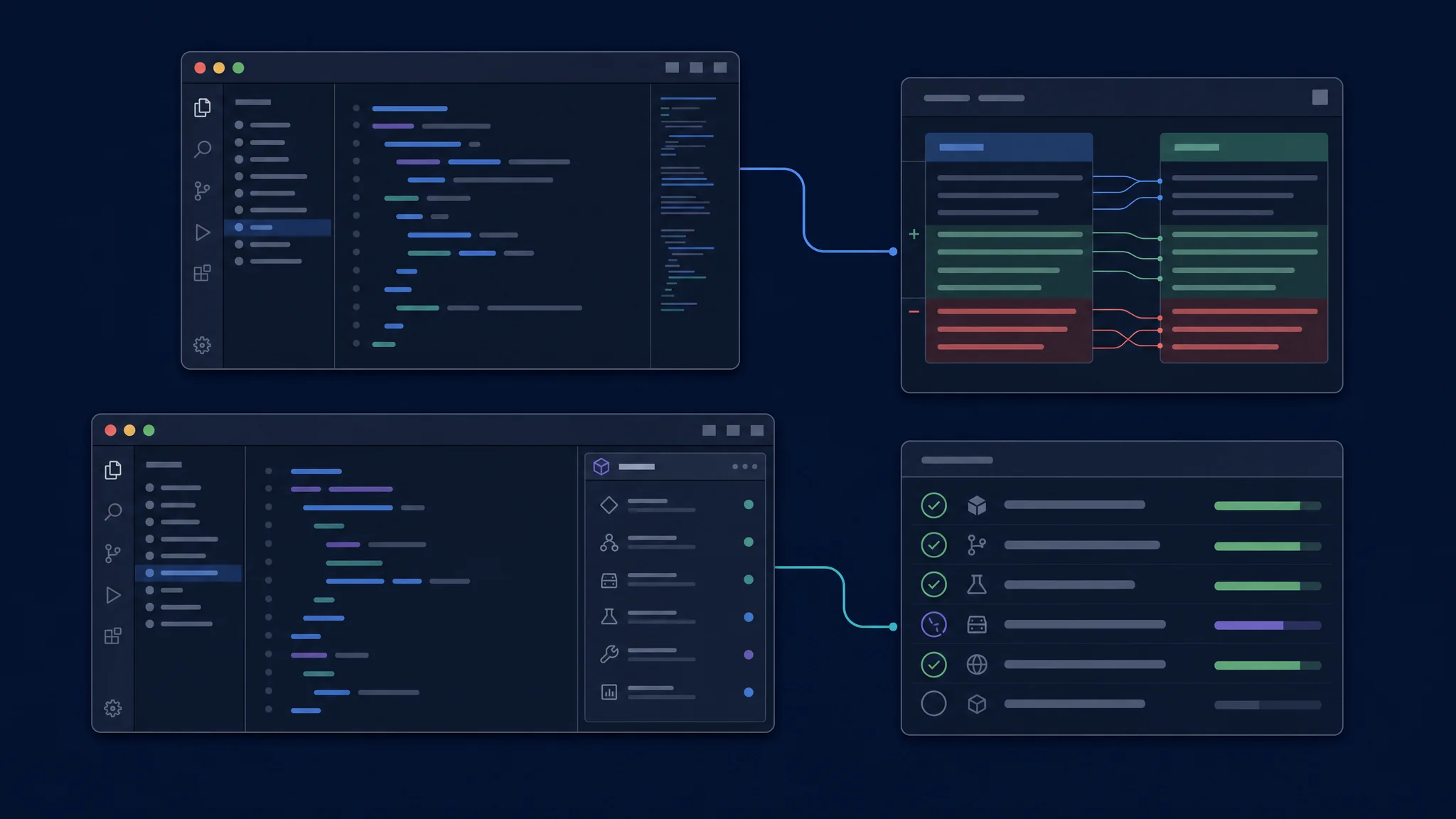
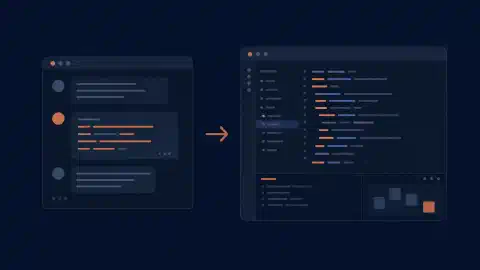
Compare the effort needed to inspect and accept a change
Review and Control
A useful GUI exposes the basis for a decision. Look for the changed files, command output, pending actions, and a clear way to redirect work. A polished chat panel alone provides little evidence about what happened to your repository.
Separate approval from final acceptance. Allowing a command lets the agent perform work. Accepting the final patch means you have reviewed scope and behavior. A sequence of individually approved operations still produces a combined diff requiring review.
| Review question | What to inspect |
|---|---|
| What changed? | Full diff, including configuration and lockfiles |
| Why did it change? | Connection between the requirement and each edit |
| What ran? | Commands, exit status, and useful output |
| What failed? | Unresolved errors and abandoned approaches |
| What is recoverable? | Checkpoint behavior and your Git baseline |
Use an existing uncommitted edit as a recovery test in a disposable copy of the project. Let the agent make a separate change, then undo its work. Verify your original edit survives. This tests an everyday workflow failure without risking your active checkout.
Models, Privacy, and Billing
An editor window does not identify the inference destination. Record the selected model, provider account, repository indexing behavior, tool connections, and execution environment. A local extension and a local model are separate properties.
Keep pricing tied to the access route. Subscription allowances, hosted-service usage, and provider API billing are different arrangements. Check current product terms and your account dashboard instead of comparing an extension’s purchase price with another product’s inference allowance.
Team rollout adds another decision layer. Verify approved models, install/update policy, credential handling, repository exclusions, and support ownership. Document which settings users control and which administrators enforce. Avoid assuming one product’s policy options transfer to another extension.
A Practical Shortlist
| Starting situation | First comparison |
|---|---|
| Willing to change editors | Cursor and the current Windsurf/Cascade workspace |
| Keeping VS Code and Copilot access | Copilot Agent mode and Cline |
| Choosing your own providers | Cline and Continue |
| Migrating from Roo Code | Cline plus another currently maintained option |
| Mostly writing code manually | Inline assistance first, delegated tasks second |
Run an editor-specific exercise. Select a failing function, ask for a diagnosis, approve a bounded fix, inspect the diff, and run independent tests. Then make a manual correction while the conversation remains open. Observe whether the next agent turn preserves it.
Score the whole interaction. Record task correctness, context supplied manually, approval interruptions, review effort, and recovery behavior. Do not turn visual polish or the number of available buttons into a coding-quality score.
Troubleshooting and Next Steps
A disabled agent mode often needs a setup check. Confirm model tool support, workspace trust, organization policy, and extension compatibility before changing models at random. If editor diagnostics and command-line tests disagree, check interpreter selection and environment variables.
Choose one editor setup for a week after the initial trial and keep a small log of accepted changes and repairs. Use Copilot CLI vs VS Code for GitHub’s cross-interface workflow, or compare Codex , Claude Code , and OpenCode within their own product families.

Related Posts