MCP Server Setup: Permissions, Tool Tests, and Safe Removal
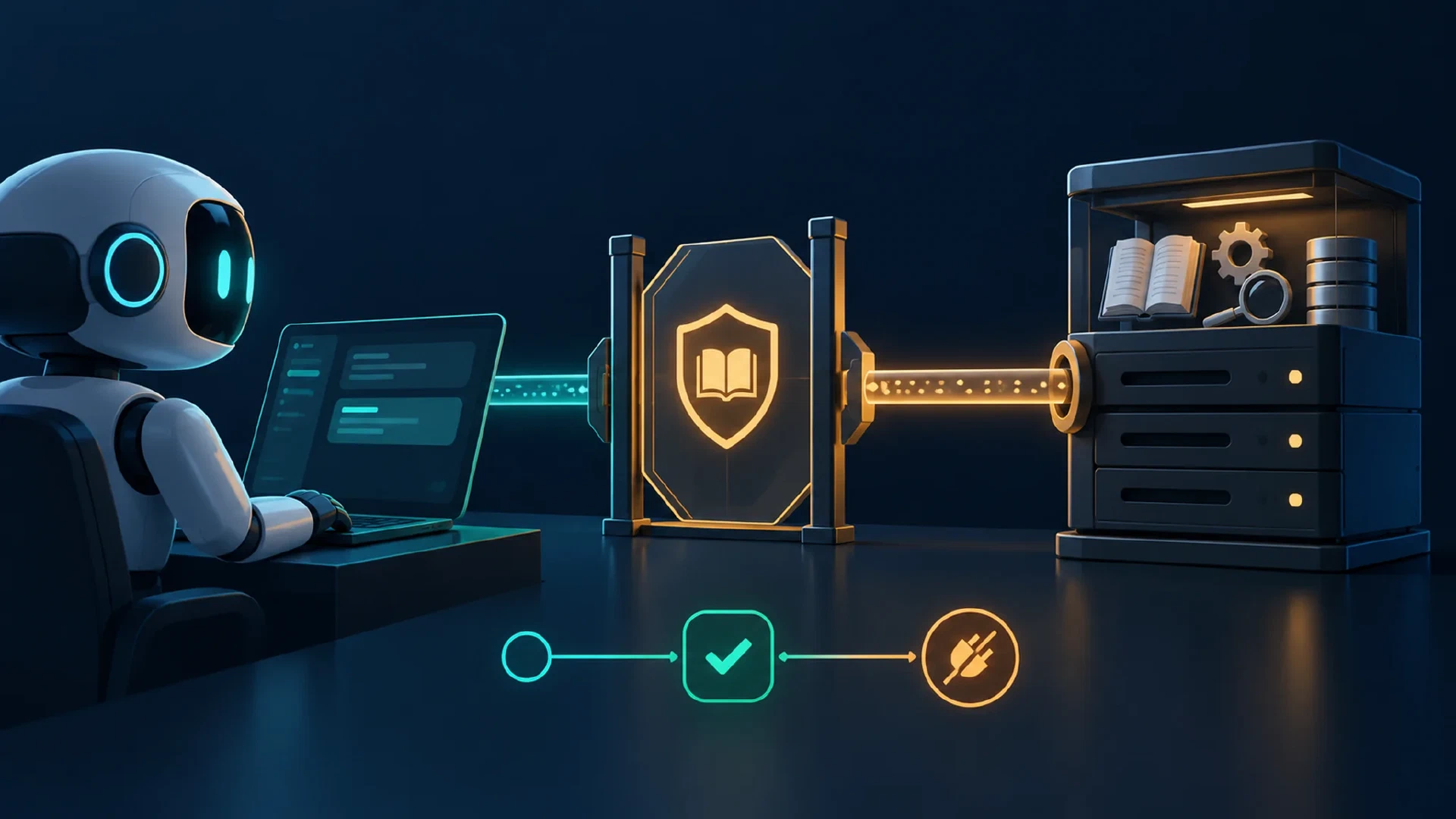
Table of Contents
Return to the Practical AI Workflow Course
Use an MCP server when a task needs a repeatable tool or current information outside the project. Model Context Protocol, or MCP, defines how a client and server exchange tool, resource, and prompt information. A server entry alone does not prove the tool works. This lesson tests one read-only documentation connection.
Learning outcome: you will distinguish configuration from a real MCP read and record safe removal.
Key Takeaways
- MCP host: the AI application coordinating users, models, permissions, and clients.
- MCP client: the protocol component communicating with one server.
- MCP server: a program or remote service offering tools, resources, or prompts.
- Tool discovery: evidence of a named capability in the client.
- Tool execution: evidence from one real call and returned content.
- Permission scope: the access granted by the host, server, account, and user.
Before You Begin
Prerequisites: context and handoff practice and a current Codex CLI installation for the worked path. Set aside 35 minutes. Difficulty is intermediate. Other coding agents have separate setup guides below. The official OpenAI Docs MCP server offers read-only developer documentation and needs no course data upload.
Use the course’s synthetic lab. Do not connect a calendar, email, or production system for this exercise. A documentation read is enough to learn the connection states.
Understand the Boundary
| State | What it proves | What it does not prove |
|---|---|---|
| Configured | A server entry exists | Reachability |
| Connected | The client reached the server | Useful tools exist |
| Discovered | A named tool appears | Its call will succeed |
| Executed | One call returned content | The final task is correct |
| Verified | Source and output match the question | Future calls will always work |
MCP does not grant an account permission by itself. The client host, server, authentication, account scope, and local approval settings all matter. The MCP specification defines the protocol, while each product controls its own user experience.
Treat server output as source material. A retrieved page cannot override your task or authorize a file write. Each exposed tool definition also adds context overhead, so connect only the server needed for this read and remove it after the exercise.
Connect a Read-Only Server
In Codex CLI, run these commands in a terminal. The first adds the public documentation server. The second lists configured servers.
codex mcp add openaiDeveloperDocs --url https://developers.openai.com/mcp
codex mcp list
Expected configuration evidence: the list contains openaiDeveloperDocs. This proves registration only. Start a fresh Codex session in your extracted lab folder and inspect its MCP tool list with /mcp. The tool names shown by your installed version are the ones you should use.
Ask for one real read:
Use the OpenAI developer documentation MCP server to find the current
AGENTS.md guidance. Return the source page title, URL, and two points
relevant to this lab. Name the MCP tool used. Do not edit files.
Inspect the result. The returned page should describe AGENTS.md as repository guidance and include the exact source URL. Open the cited page yourself and confirm its topic. A response with no MCP call in the transcript is an ordinary answer, not proof of tool execution.
Diagnose One Failure
Suppose codex mcp list shows the server but /mcp shows no tools. Registration succeeded, while discovery failed. Restart the session, inspect /mcp for active servers and codex mcp get openaiDeveloperDocs for the stored configuration, then check the server URL and network access. Do not claim a successful MCP setup from the configuration entry alone.
Suppose a tool appears but the read fails. Record the error and retry once after checking connectivity. If the same call fails, use the cited official page in your browser as the fallback source and mark the MCP exercise incomplete. Do not invent a returned tool result.
Remove the Connection
After the read, remove the practice server from Codex CLI and confirm the entry disappears.
codex mcp remove openaiDeveloperDocs
codex mcp list
Expected removal evidence: openaiDeveloperDocs is absent from the new list. Restart an active Codex session before testing whether its available tools changed. Removing a local definition does not revoke any separate account authorization used by a different service.
Use Another Client
Claude Code and OpenCode also support MCP. Follow Claude Code’s MCP guide or OpenCode’s MCP guide for the installed release. Record the same five states: configured, connected, discovered, executed, and verified. OpenCode configuration schema and agent permissions differ across versions, so copy examples from the guide matching your install.
For a browser-only route, read the official AGENTS.md page and fill the same verification record. Mark tool discovery and execution “not run.” This route teaches source checking but does not establish MCP operation.
Practice and Check
Your artifact: a five-row connection record with the server name, tool name, source URL, observed result, and removal evidence. Keep screenshots or logs free of tokens and account identifiers.
Completion check: the connected route passes only after a real tool read and a later configuration removal. The fallback route passes its source-check exercise with MCP marked not run.
Check Your Understanding
Question: Does a saved MCP server entry prove a tool worked? Answer: No. Verify discovery, permission, and one actual read.
Question: What extra context cost comes from a broad MCP connection? Answer: Tool descriptions and schemas consume part of the active context.
Troubleshooting
- Unknown
codexcommand: install or update Codex CLI from the linked official guide. - Server listed, no tool: inspect session status and server diagnostics.
- Tool call returned unrelated content: narrow the query and verify the source page.
- Removal seems ineffective: start a new session and inspect the active server list.
Next Steps
Continue with AI Output Verification . For broader extensions, read the site’s Claude Code plugins and MCP guide .
Course navigation: Previous: Context Management , Course outline .

Related Posts