Codex CLI vs Desktop: 2026 Workflow Comparison
Table of Contents
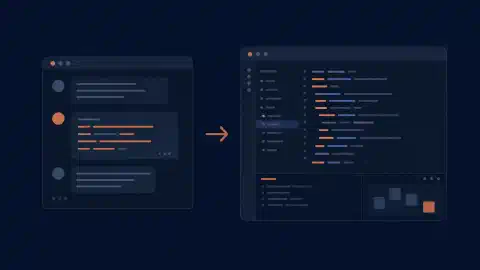
Codex CLI fits a shell-driven workflow with explicit commands and scriptable runs. Codex on desktop fits work organized around projects, conversations, visual outputs, and review panels. Choose the interface around how you supervise work, while keeping the model, repository, and execution policy consistent.
Naming note: OpenAI’s former Codex app documentation now redirects to the ChatGPT desktop app documentation . This guide uses “Codex desktop” for the coding workflow in the application. It does not equate an ordinary chat without repository access with a coding agent.
Key Takeaways
- Use the CLI for shell composition and repeatable programmatic runs.
- Use desktop for project organization, visual review, and scheduled-task management.
- Keep execution location explicit, especially when working through remote connections.
- The interface does not guarantee better code or create an independent inference allowance.
Scope and date: Official documentation checked on October 6, 2026. Recommendations concern workflow, not measured model performance. Prerequisites are a repository, working tests, and suitable account access. Allow an hour for a small cross-interface trial.
Compare the Workflows
| Need | Codex CLI | Codex desktop |
|---|---|---|
| Start repository work | Launch from a shell directory | Select a project and execution environment |
| Repeat a scripted task | codex exec | Prepare prompts and inspect outputs visually |
| Inspect several tasks | Terminal/session workflow | Project and chat organization |
| Review changes | Terminal commands and review controls | Diff and review panels |
| Manage schedules | External job runner around a script | Scheduled-task management interface |
| Isolate changes | Choose a separate checkout/worktree | Integrated worktree workflow |
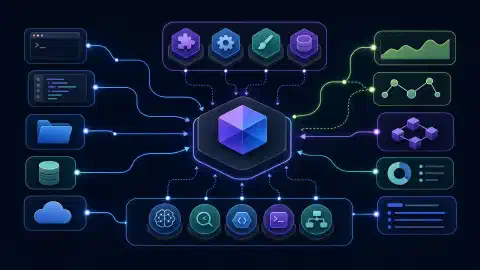
Shared agent foundations matter. OpenAI describes the CLI, app, and IDE extension as interfaces around its agent runtime in Codex as a platform . The runtime manages state, tools, and policy. Interface differences still affect what context you supply and how you inspect the result.
Where the CLI Fits
codex
Launch from the intended repository. The CLI guide documents interactive inspection, editing, commands, and review. Use this route when your existing workflow already revolves around terminal sessions and command output.
codex exec "Identify the documented test command. Do not modify files."
Use codex exec for a bounded scripted task. The
non-interactive reference
explains how progress and final output are emitted. Apply an appropriate read-only execution policy when investigating. A sentence asking for no edits is an instruction, not an enforced filesystem boundary.
A production script needs more than this example. Define credentials, repository selection, timeout, permissions, output storage, and failure handling. Have the job produce evidence for a reviewer before considering automated changes. Keep the execution contract in version control so a later operator knows what the agent was allowed to do.
Where Desktop Fits
Desktop organizes related work in one workspace. OpenAI’s current app documentation describes project switching, file inspection, connected tools, and long-running tasks. This supports a workflow in which you move between implementation, a rendered artifact, and review without reconstructing context from multiple terminal windows.
Review is a concrete differentiator. The code-review documentation describes viewing descriptions, changed files, comments, and checks. Use these views to investigate a patch, then decide whether it meets the requirement. A reviewer still needs independent evidence for behavior outside the diff.
Try desktop on a visual task. Ask for a small layout fix with a screenshot and explicit viewport requirements. Compare the effort needed to attach context, inspect the result, and request one correction. Measure human review time separately from the model’s response time.
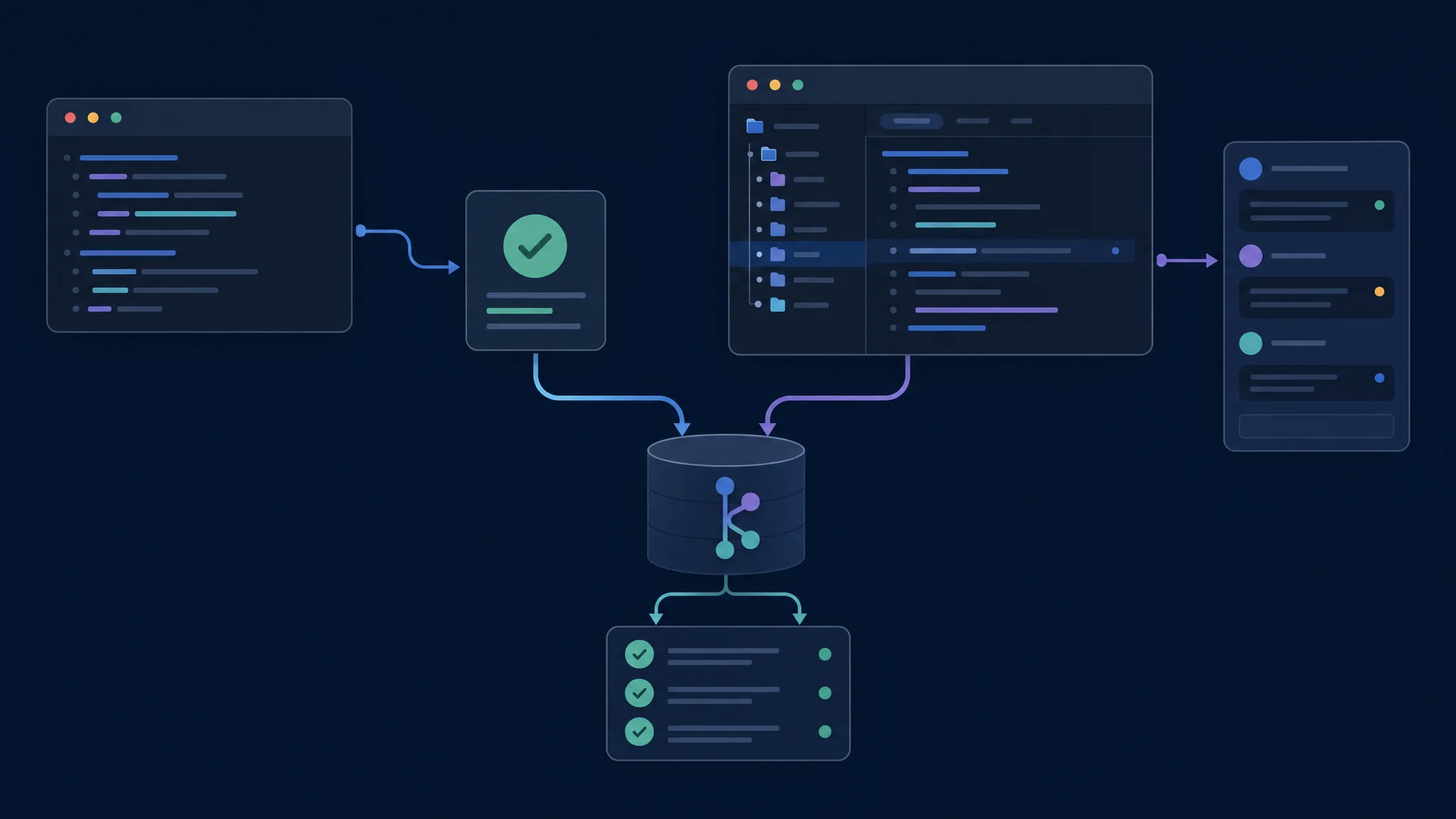
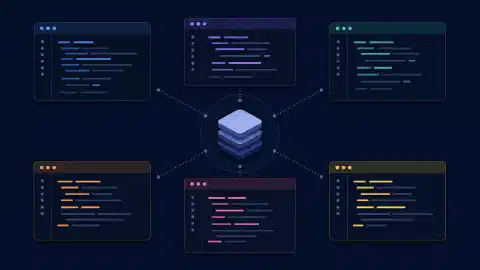
Keep the repository and acceptance criteria constant while comparing interfaces
Worktrees and Execution Location
A worktree is another checkout of a Git repository. OpenAI’s worktree guide describes isolated parallel chats and moving work between the local checkout and a managed worktree. The files and commands stay on the computer or development environment hosting the project.
Isolation does not merge the result. Review the diff, run checks, and decide how to bring changes into your intended branch. Dependencies, ignored files, and external services also need attention when starting from a fresh checkout.
| Before a task | Confirm |
|---|---|
| Repository | Correct project and base revision |
| Checkout | Existing directory or isolated worktree |
| Execution host | Computer containing files and tools |
| Environment | Runtime, dependencies, and test services |
| Permissions | Allowed file writes and network access |
Use the same environment in your comparison. A desktop task on a configured workstation and a CLI task in a minimal container test more than interface preference. Record environmental differences before attributing failures to the client.
Scheduling and Permissions
Desktop provides schedule management. OpenAI’s
scheduled-task guide
distinguishes the management interface from the CLI. Local scheduled work requires the relevant computer and application to remain available. A shell scheduler around codex exec is a separate operational arrangement.
Permissions apply to the execution environment. Check the effective profile rather than inferring safety from a terminal or graphical prompt. OpenAI’s permissions reference documents filesystem and network boundaries. A GUI approval and a sandbox policy solve different problems.
Account access needs its own check. Confirm the active sign-in, available model, and usage display in each interface. Do not budget as though opening a second client creates another independent allowance. Record the billing route before comparing per-task costs.
A One-Hour Trial
- Prepare one bounded change with an independent acceptance test and a clean baseline.
- Run it in each interface from separate checkouts with matching model and policy settings.
- Request one correction after inspecting the first patch.
- Review the final diff and run the same verification commands.
- Record your effort supplying context, finding output, and approving the result.
Choose the CLI if the task becomes easier to repeat and inspect through shell tools. Choose desktop if project organization and visual review reduce your supervision effort. Keeping both installed is reasonable when each serves a distinct part of your workflow.
Troubleshooting and Next Steps
A missing file usually warrants an environment check. Verify project, checkout, and execution host before asking the agent to recreate anything. For differing test results, compare runtime selection and dependency setup. For a stalled local schedule, confirm the application and computer were available.
Compare vendors separately. Use the CLI master comparison for terminal alternatives and the GUI master comparison for graphical editors and extensions. Keep the model and task record from this trial for future upgrades.

Related Posts