CLI Coding Agents Compared: Claude Code, Codex, Gemini, OpenCode, Copilot, and Aider
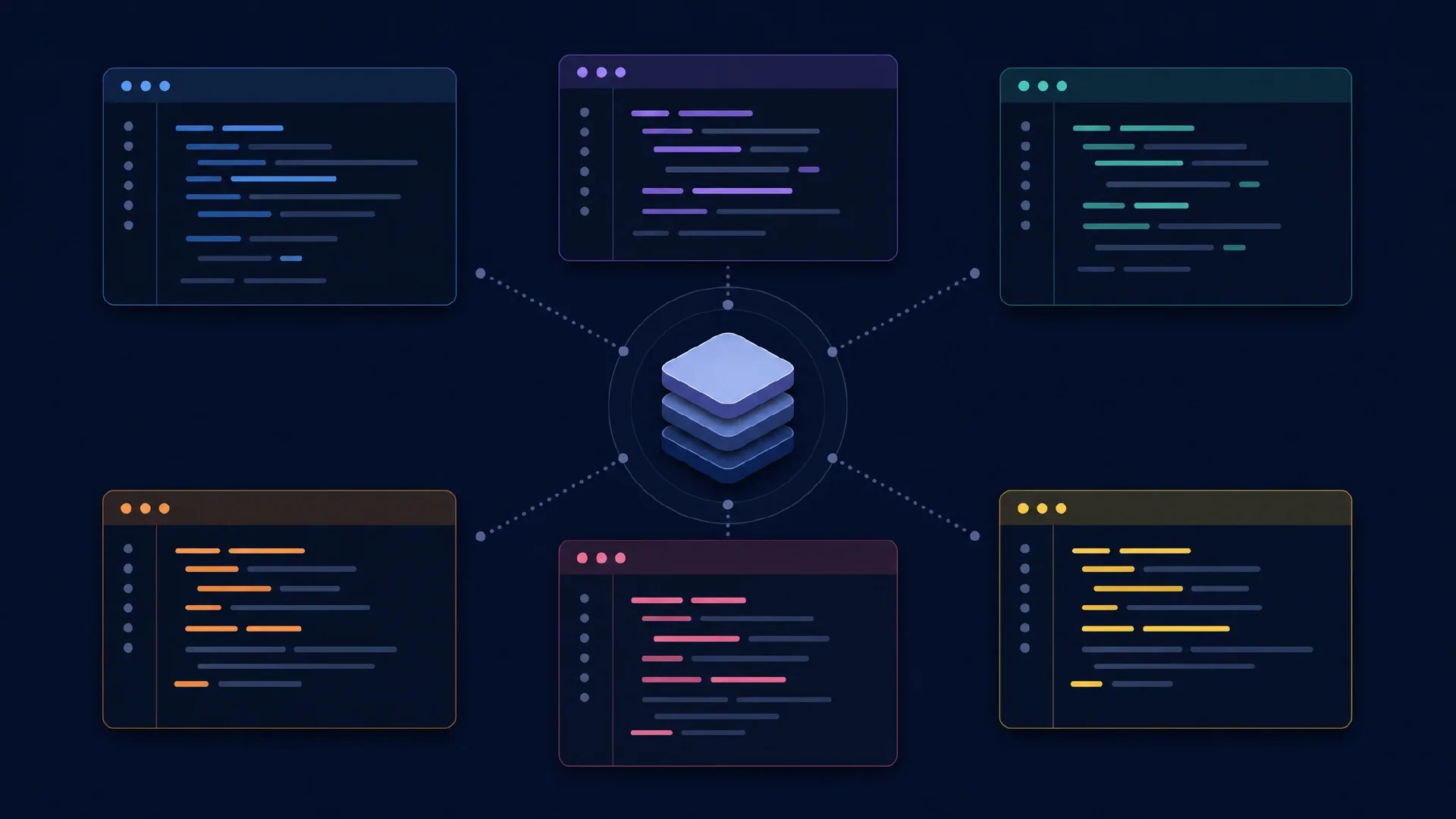
Table of Contents
Terminal coding agents share a familiar interface but differ in how they gather context, edit files, request approval, and fit into scripts. This guide compares Claude Code CLI, Codex CLI, Gemini CLI, OpenCode CLI, GitHub Copilot CLI, and Aider. It evaluates their terminal workflows, independently of each vendor’s desktop products.
Start with your constraints. Provider access, repeatable automation, and review habits are better filters than a generic leaderboard. The recommendations below are editorial judgments based on official documentation checked on October 6, 2026, not measured performance rankings.
Key Takeaways
- Claude Code, Codex, and Gemini CLI deserve a trial when you want their respective first-party model workflows.
- OpenCode and Aider suit experiments across model providers, with different approaches to interaction and editing.
- Copilot CLI deserves consideration when GitHub access and organization policy already shape your workflow.
- A terminal interface does not imply local inference, unrestricted model choice, or unattended execution.
Prerequisites: Git, a disposable checkout, working tests, and approved model credentials. Difficulty is intermediate. Allow one afternoon to compare two shortlisted tools across three small tasks.
The Shortlist
| Terminal tool | Reason to evaluate | Decision to resolve |
|---|---|---|
| Claude Code CLI | Claude-centered repository work | Account route and permission policy |
| Codex CLI | Interactive work plus scripted execution | Sandbox settings and output handling |
| Gemini CLI | Gemini workflow and structured headless output | Authentication, quotas, and tool policy |
| OpenCode CLI | Provider selection and configurable agents | Model and endpoint compatibility |
| Copilot CLI | Copilot access from your shell | Organization access and tool approval |
| Aider | Git-focused pair programming | File selection and editing model |
This is a bounded shortlist. It compares six established terminal workflows, not every product offering a CLI. Graphical editors and extensions belong in the GUI coding-agent comparison .
Claude Code and Codex
Claude Code CLI offers interactive sessions, resumable conversations, piped input, and a print mode for scripts. Its CLI reference documents those entry points. Trial it if you want Claude working through repository changes while you direct tasks from the shell.
Codex CLI exposes repository inspection, edits, command execution, and review in a terminal interface. OpenAI’s
CLI documentation
describes the interactive controls. Its
non-interactive mode
provides codex exec for scripts and continuous integration.
Choose between these through completed work. Give each an unfamiliar bug and an existing failing test. Compare its explanation, patch scope, test selection, and recovery after a rejected approach. A confident final message is not evidence of correctness.
Gemini CLI and Copilot
Gemini CLI documents project context, extensions, tool execution, and automation in its official guide . Its headless reference specifies structured output and exit codes. This makes output handling a concrete part of a trial, rather than an assumption based on terminal availability.
GitHub Copilot CLI supports interactive work and programmatic prompts through the current standalone copilot command. Its
product documentation
covers planning and tool permissions. Evaluate it against the account and policies your team uses, rather than treating GitHub branding as automatic access to every repository or service.
| Automation entry | Documented command family |
|---|---|
| Claude Code | claude -p |
| Codex | codex exec |
| Gemini CLI | gemini -p |
| Copilot CLI | copilot -p |
Headless mode needs an execution policy. Define allowed actions, time limits, error handling, and artifact collection before putting an agent in a pipeline. A process exiting successfully does not prove the resulting code meets your acceptance criteria.
OpenCode and Aider
OpenCode CLI combines an interactive terminal UI with command-line operations. Its
CLI reference
documents opencode run, while its
provider guide
describes model connections. Trial it when provider flexibility matters enough to justify managing compatibility and billing details.
Aider centers on pair programming in a Git repository. Its documentation covers file selection, repository maps, model connections, and lint/test integration. Trial it when you prefer to direct a bounded editing conversation and keep repository changes close to an explicit Git workflow.
Different interaction styles deserve different expectations. A narrowly scoped editing assistant and an agent exploring a whole repository do not consume context in identical ways. Record the files supplied, the exploration allowed, and the human steering required. Do not award a tool a productivity win after quietly doing its context selection yourself.
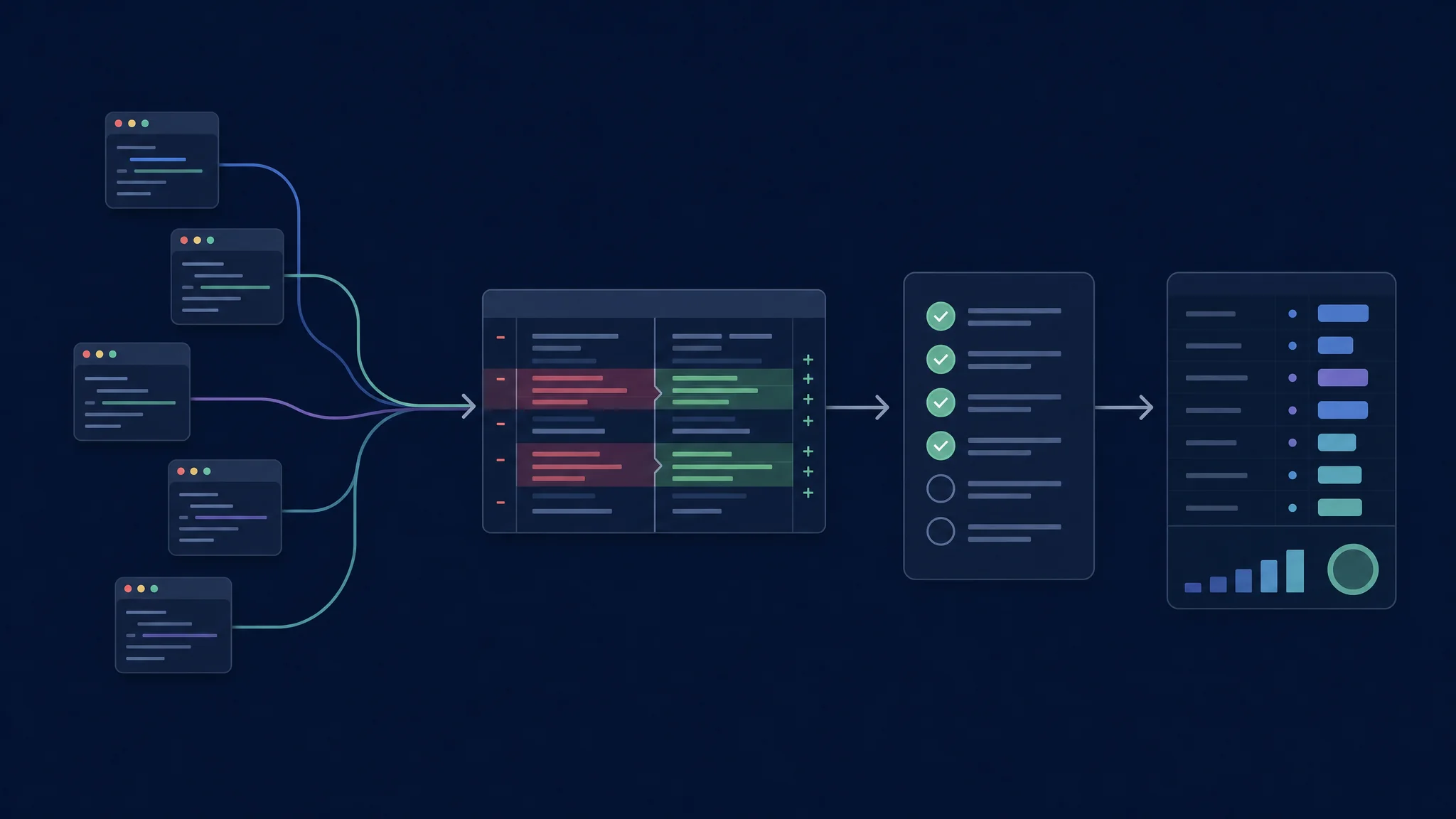
Use the same acceptance criteria across every terminal workflow
Models, Access, and Cost
The agent is the software around the model. It builds requests, handles tool results, manages conversation state, and applies execution policy. The model and serving endpoint influence reasoning, tool-call reliability, latency, and available context.
Provider flexibility has operational costs. A custom endpoint adds decisions about model identifiers, context settings, authentication, and tool support. An integrated service reduces some setup choices while tying access to its account and policies. Neither arrangement establishes a universal quality ranking.
| Cost category | Include in the trial |
|---|---|
| Account allowance | Included access, rate limits, and exhaustion behavior |
| Metered inference | Prompt, output, cache, and retry usage |
| Local serving | Hardware, electricity, and runtime maintenance |
| Human effort | Setup, corrections, and final review |
| Failed work | Abandoned runs and reverted patches |
Compare cost per accepted change. Keep subscription fees separate from incremental API charges and developer time. A free client with paid inference differs from a subscription with an allowance. Recheck current account terms before changing providers.
Permissions and Repository Context
Approval and isolation are different controls. An approval prompt asks whether an action should proceed. A sandbox limits the resources available to an executed action. Check both, including file access, network access, and commands spawned by tools.
Codex’s permission documentation explicitly separates filesystem and network rules, including conditions for enforcing destination restrictions. Use its permission reference to inspect the installed setup. For any shortlisted tool, test a harmless allowed action and a harmless prohibited action before relying on policy.
Project instructions need verification. Give each tool the same build command, acceptance criteria, and exclusions through its supported instruction mechanism. Ask it to repeat the active constraints before editing. A missing instruction file is a setup defect, not a model benchmark.
Task: Fix the supplied reproduction without changing the public API.
Scope: Preserve unrelated work and avoid new dependencies.
Evidence: Run the existing regression test and relevant neighboring tests.
Report: Explain the cause, changed files, checks, and remaining uncertainty.
This trial prompt is intentionally bounded. Add a known reproduction and independently written checks. Use the same starting commit in separate checkouts. Record tool version, model, provider, permission policy, elapsed time, and interventions.
Pick Your First Pair
| Your priority | Start the trial with |
|---|---|
| Claude versus OpenAI workflow | Claude Code CLI and Codex CLI |
| Google versus OpenAI workflow | Gemini CLI and Codex CLI |
| Provider flexibility | OpenCode CLI and Aider |
| Existing GitHub deployment | Copilot CLI and one approved alternative |
| Claude versus configurable providers | Claude Code CLI and OpenCode CLI |
Run three tasks per tool: a reproduced bug, a small feature with independent tests, and a constrained refactor. Keep failed attempts. Review patches without looking at which agent produced them if practical. The winner is the workflow producing acceptable changes with less total effort in your repository.
Troubleshooting and Next Steps
Unexpected results often start in configuration. Missing tools, wrong working directories, different model versions, or exhausted allowances distort comparisons. Verify those before rewriting prompts repeatedly.
Continue with a focused guide: OpenCode vs Claude Code , Codex CLI vs desktop , Claude Code CLI vs desktop , OpenCode CLI vs desktop , or Copilot CLI vs VS Code . Those interface comparisons stay within each product family.

Related Posts