Claude Code CLI vs Desktop: 2026 Workflow Comparison
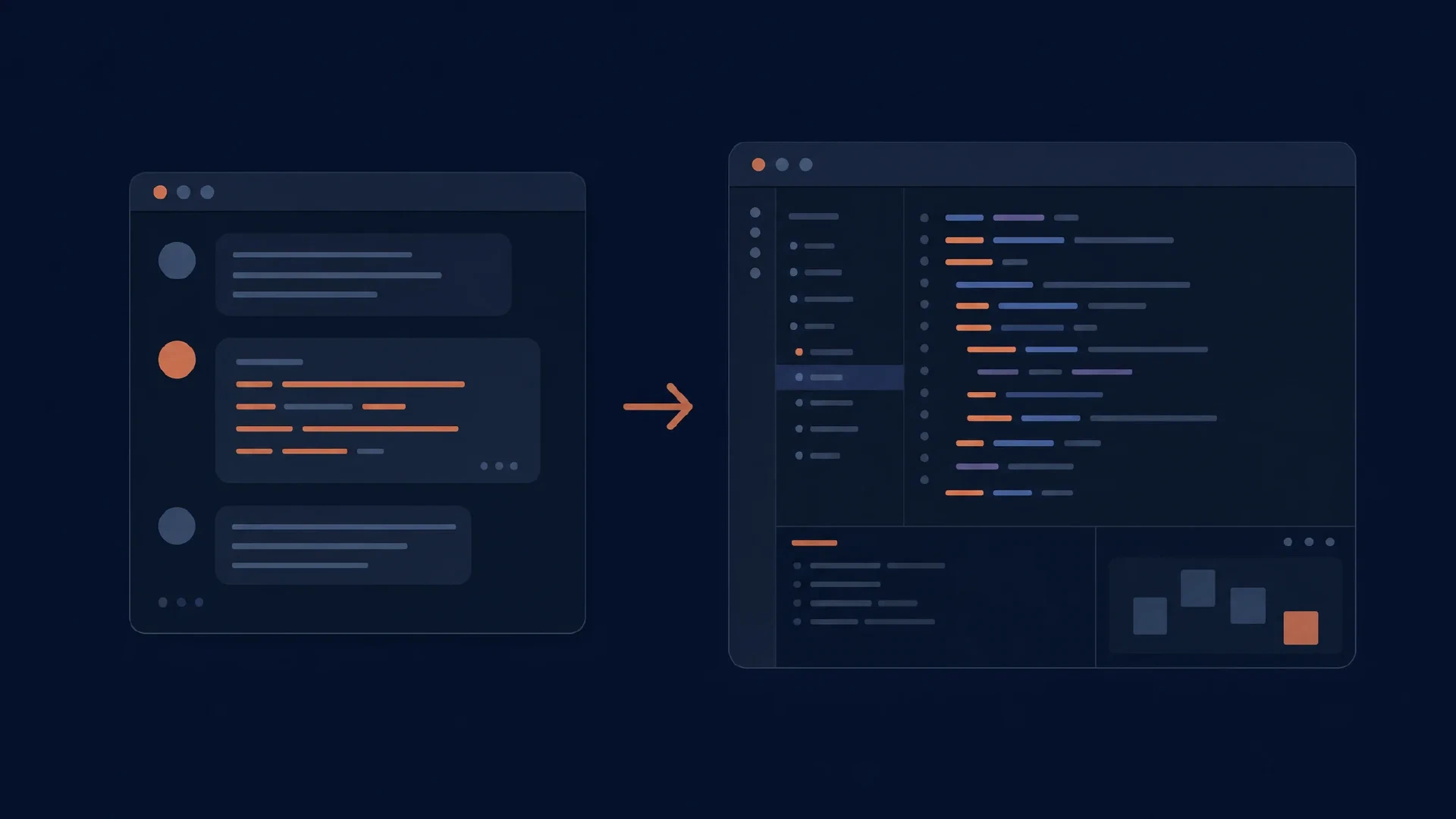
Table of Contents
Claude Code CLI and desktop provide two ways to direct Anthropic’s coding agent. The CLI favors shell workflows and programmatic invocation. Desktop favors a visible project workspace with file changes and review alongside the conversation.
This comparison concerns the desktop coding workspace, described as the Code tab in Anthropic’s desktop quick start . General chat and other desktop workflows are outside its scope. The distinction matters when checking repository access and configuration.
Key Takeaways
- Use the CLI for scripts, piped input, and terminal-centered work.
- Use desktop for graphical supervision, attachments, and diff review.
- Shared configuration reduces duplication, but session behavior and available controls differ.
- Moving a conversation requires supported handoff, not copying a prompt into a new chat.
Scope and date: Official documentation checked on October 6, 2026. This is a feature and workflow comparison, not a coding benchmark. You need a testable repository and an approved account route. Allow 45–60 minutes for a small trial.
Same Engine, Different Controls
Anthropic describes desktop as the same underlying engine with a GUI. Its desktop reference documents shared configuration and project memory, while distinguishing client features. Shared foundations do not imply every CLI flag has a desktop button.
| Activity | CLI | Desktop Code workspace |
|---|---|---|
| Interactive work | Terminal conversation | Graphical conversation with project panes |
| Scripted invocation | Print mode and piped input | Use the CLI for this workflow |
| Change review | Terminal/editor workflow | Integrated visual diff |
| Task organization | Terminal sessions and CLI controls | Session sidebar and workspace layout |
| Recurring work | External scheduler or CI | Desktop scheduled tasks |
| Project rules | Repository and user configuration | Shared settings with surface-specific behavior |
Choose based on supervision effort. A shell-heavy bug investigation and a visual application change place different demands on the interface. Neither is evidence of a stronger model.
Terminal Work and Scripts
claude -p "Explain the failing test and propose a fix. Do not edit files."
Print mode runs without the normal interactive conversation. Anthropic’s CLI reference documents this command family, piped input, and resume options. Match tool permissions to the investigation. The prompt above does not substitute for a read-only policy.
Use a script when the input and output contract is stable. Examples include a scheduled report, a bounded repository inspection, or a CI step producing review material. Define what counts as failure and save the evidence. Avoid approving a patch solely because the agent’s final message sounds complete.
Keep interactive work interactive when decisions remain open. If a task requires choosing an API design or resolving contradictory requirements, a terminal session with explicit checkpoints often needs less automation code than a headless wrapper.
Desktop Review and Scheduling
Desktop supplies a coding workspace without requiring a separate CLI installation. The quick start describes project selection, model selection, and graphical acceptance of changes. Evaluate it with a patch spanning a source file, a test, and a configuration file so review involves more than one pane.
Scheduled work is a separate desktop feature. Anthropic’s scheduled-task documentation explains recurring tasks and their operating requirements. Check where a scheduled task runs and what must remain available before relying on it for a daily workflow.
Review the aggregate patch. Individual edit approvals do not reveal every interaction between changed files. After the run, inspect the final diff and execute the acceptance check independently.
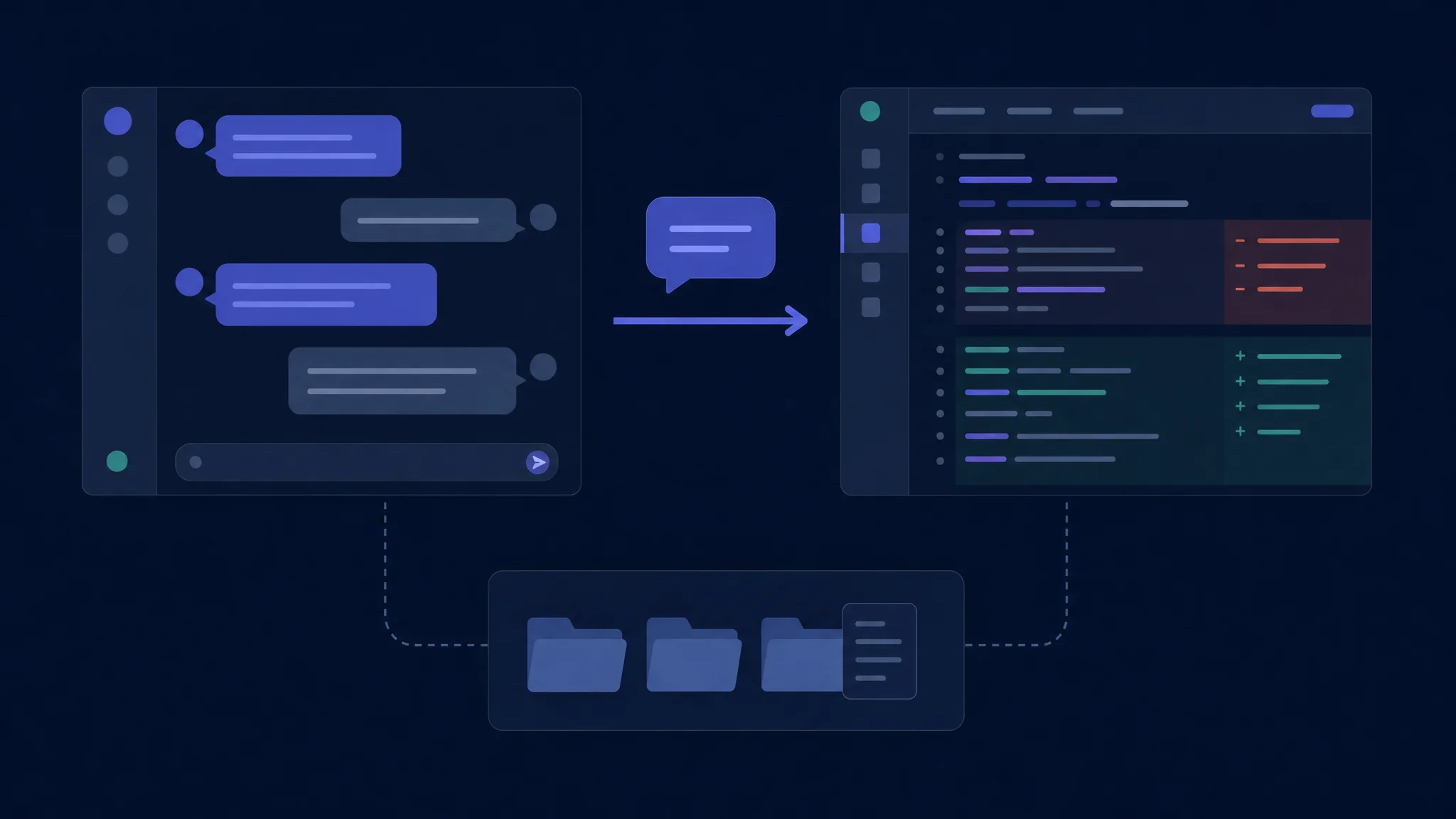
A shared engine still needs explicit session and environment checks
Settings and Permissions
Settings have scope and precedence. Anthropic’s settings reference distinguishes managed, user, project, and local configuration. Verify the effective setup before diagnosing a client difference. A project rule does not necessarily override organization policy.
Permission mode changes the interaction. Compare both clients under matching policies, then test your preferred policy separately. Do not present fewer approval prompts as an unconditional advantage. The relevant question is whether the permitted actions match the task and your environment.
| Configuration check | Reason |
|---|---|
| Project folder | Loads the intended code and project rules |
| Account route | Determines access and billing context |
| Selected model | Avoids mixing interface and model changes |
| Permission policy | Controls which operations proceed |
| Runtime environment | Determines available commands and tests |
Keep canonical project instructions in the repository. Document build commands, excluded files, and acceptance criteria. Ask the agent to identify those constraints before editing. A mismatch signals a configuration issue to resolve before benchmarking behavior.
Moving a Session
/desktop
The documented CLI-to-desktop handoff saves the session and exits the CLI. The desktop reference limits this command to supported macOS and x64 Windows subscription sessions. API-key and third-party-provider sessions do not receive the same handoff path. Check the installed version and account before depending on it.
Treat handoff as a controlled transition. Finish or stop the active operation, identify the current branch, and inspect pending changes. After opening the destination interface, verify the repository and ask for the next planned step. Do not launch a second implementation against the same files while the first still runs.
Sharing files differs from sharing a conversation. Two clients opening the same checkout see filesystem changes, but a fresh conversation lacks the reasoning and constraints of the original session. Preserve a short task record in the repository when you need a portable handover.
Choose Through a Small Trial
Use a bug with a visible symptom. Supply the reproduction, expected behavior, and the files the agent must preserve. Run separate attempts from the same base revision, with matching model and permission settings.
| Trial stage | Observe |
|---|---|
| Context | Effort attaching logs, files, and screenshots |
| Implementation | Interruptions and clarification needs |
| Review | Ease of inspecting every changed file |
| Correction | Response to a rejected approach |
| Completion | Independent test result and clean diff |
Prefer the CLI when scripts and terminal context dominate. Prefer desktop when visible project state and graphical review reduce friction. Use both deliberately if you alternate between those needs.
Troubleshooting and Next Steps
If desktop lacks a command found in the CLI, consult the feature comparison instead of assuming an installation failure. If commands work only in the terminal, compare execution environment and runtime discovery. If handoff is unavailable, verify platform and authentication eligibility.
For a broader shortlist, read the CLI comparison or GUI comparison . For a cross-vendor agent comparison, see OpenCode vs Claude Code .

Related Posts