Build a Home Lab in 10 Levels, From Pi-hole to Local AI
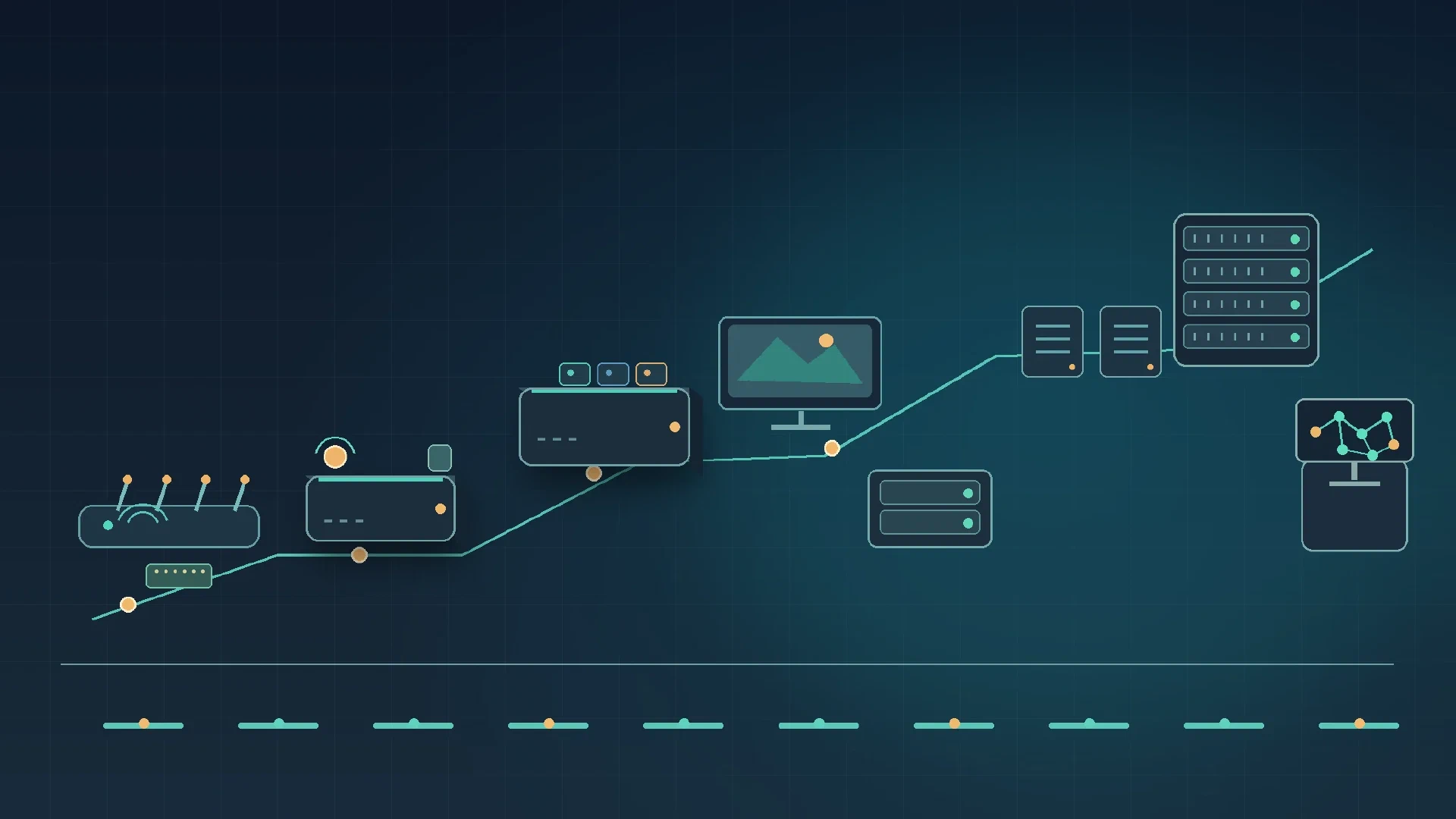
Table of Contents
Build a Home Lab in 10 Levels, From Pi-hole to Local AI
A home lab is a set of computers and services you run to solve everyday problems and learn by operating real systems. You might block ads, automate lights, store family media, or test virtual machines. Start with one useful job. Add hardware when a real limit appears.
This guide moves from a small Raspberry Pi running Pi-hole to a server running local AI models. Each level adds a capability and a new responsibility. Cost estimates below use illustrative power draw and a sample electricity price of $0.15 per kilowatt-hour. Check your local rate and measure your equipment before buying more.
Level 1: Block ads across your home network
Install Pi-hole on a Raspberry Pi or another small Linux computer. Pi-hole acts as a DNS sinkhole. When a device asks for the address of a domain on a blocklist, Pi-hole returns no usable destination. Your browser, phone, and smart TV use the same filter when your router or DHCP server points clients to Pi-hole.
DNS filtering works beyond web browsers, including some ads inside apps and connected TVs. Page-level content stays outside the filter, so ads served from the same domain as a site or app pass through. A blocklist sometimes stops a login, video, or checkout from loading. Check Pi-hole’s query log, allow the specific domain when needed, and keep a fallback DNS plan for an outage.
Power is modest. For an 8-watt device running all month, the estimate is 8 W × 24 hours × 30 days ÷ 1,000 × $0.15 = about $0.86 per month. Measure the whole power supply at the wall. A second computer, USB drive, or inefficient adapter changes the total.
You learn: DNS, DHCP, blocklists, and basic Linux maintenance.
Level 2: Automate smart devices locally
Add Home Assistant , which brings compatible smart devices and automations into one system. Schedule lights to turn off at bedtime. Turn on a fan when a temperature sensor crosses a set point. Notify yourself when a leak sensor detects water. These small automations provide immediate value.
Local control keeps many automations running inside your home when an outside service or internet connection fails. Behavior depends on the device. Some products still require a vendor account, cloud service, or internet connection for setup and remote features. Check the integration’s requirements before buying hardware.
Back up Home Assistant and store a copy somewhere outside its host. Document integrations and recovery steps. A failed SD card or mini PC should not erase your configuration.
You learn: device integrations, triggers, conditions, and backup recovery.
Level 3: Run several services on one mini PC
A used business mini PC often offers expandable memory, replaceable storage, and useful ports at a low used price. An Intel N100 mini PC often uses less power and fits in a small space. Intel lists the N100 as a four-core, four-thread processor with a 6-watt TDP and support for up to 16 GB of memory. The processor rating does not equal the complete system’s wall draw. Compare the exact computer, memory, storage, warranty, and network ports.
Install Linux and use Docker to run separate services as containers. A container packages an application and its dependencies while sharing the host operating system kernel. For example, run a password manager such as the community-maintained Vaultwarden project and an uptime monitor such as Uptime Kuma. Treat the password manager as a sensitive service: limit access, use strong authentication, apply updates, and keep an encrypted backup.
Containers do not replace updates or backups. Give each service a defined storage location and record recovery steps. A small mini PC also has limits. Several databases, media conversions, or large applications exhaust memory, storage, or CPU time.
You learn: Linux administration, containers, volumes, updates, and service recovery.
Level 4: Build a home media library
Jellyfin is an open-source media server. Plex offers a polished client ecosystem and optional account-based features. Both organize personal libraries and stream media to supported clients. Choose based on your clients, remote access model, hardware support, and feature needs.
Your storage needs depend on the size and quality of your collection. Start with a single disk only if you already have a separate backup plan. Keep consistent folder names and metadata so the server matches films and episodes correctly.
Direct playback sends a compatible file to the client without changing its video stream. Transcoding converts audio or video when the client, connection, subtitles, or quality setting needs a different format. Transcoding places extra load on the server. Test your devices and network before buying a GPU or a larger CPU. Skip a dedicated media server when every client plays your files directly and one host meets your needs.
You learn: media formats, storage planning, network throughput, and workload testing.
Level 5: Add storage redundancy and a separate backup
A two-drive NAS with mirrored storage writes data to both drives. If one drive fails, the other holds a current copy while you replace the failed disk and rebuild the mirror. Mirroring protects availability during one drive failure. A mirror does not restore a file you deleted, reverse ransomware encryption, or protect against theft, fire, or a power event damaging both drives.
Keep a separate backup on another device or at another location. Include important documents, photos, configuration exports, and service data. Use a backup schedule and retain versions so accidental changes do not overwrite every good copy.
Test a restore. Pick a few files, restore them to a separate folder, and open them. For a service, restore its data to a test instance or document the steps and verify each file. A backup you have never restored is an assumption, not a recovery plan.
You learn: filesystems, drive replacement, backup rotation, and restore testing.
Level 6: Learn virtualization with a small Proxmox cluster
Proxmox VE runs virtual machines and containers on server hardware. Several mini PCs joined as a cluster share a management view and support learning about nodes, storage, and migration. A cluster is a group of servers configured to coordinate. Its members do not combine memory into one large pool. High availability requires additional planning and suitable shared or replicated storage.
A snapshot records a virtual machine’s state at a point in time, letting you return to an earlier state after a lab change. Snapshots usually depend on the original storage. They are not independent backups. Copy important data to a separate backup target and test the restore.
Each node adds power draw, network ports, cables, and updates. Three small computers also create three systems to patch and troubleshoot. A single mini PC with a few virtual machines teaches many of the same basics at lower cost. Add nodes when experiments need isolation or you want to practice cluster operations.
You learn: virtual machines, storage pools, snapshots, cluster membership, and node maintenance.
Level 7: Add private remote access and network separation
Tailscale connects your approved devices through a private network, giving you access to selected home services while away. Restrict access to the devices and services each person needs. Keep accounts protected with multi-factor authentication and review old devices and keys.
A managed switch or router with VLAN support separates groups of devices. Put smart plugs and other low-trust devices on a different network from computers holding personal files. Place storage on a network reachable only by systems requiring access. Segmentation limits which devices communicate. Keep updates, strong passwords, and access rules in place as well.
Avoid exposing admin panels directly to the public internet unless you understand the service’s authentication, patching, and firewall requirements. A private access tool still needs careful account and device control.
You learn: private access, identity-based permissions, VLANs, firewall rules, and device trust boundaries.
Level 8: Add an enterprise server
Move to a larger server when you have a measured need for more CPU cores, memory, drive bays, PCIe slots, or network capacity. Older enterprise servers often cost less used, while their fans sound loud and idle draw reaches roughly 100 to 160 watts depending on model and installed parts. Treat this range as an estimate, not a specification.
Calculate a yearly power estimate before purchase:
measured watts ÷ 1,000 × 24 × 365 × electricity rate per kWh
At 120 watts and $0.15 per kWh, the estimate is 1,051 kWh per year, or about $158 per year. Measure the exact server at idle and under your typical workload. Add drive, cooling, and UPS draw to the plan.
Check the chassis depth, drive compatibility, noise, fan controls, power supply, and expansion cards. A server exceeding your room or power budget is not a practical upgrade.
You learn: server hardware, remote management, expansion, cooling, and operating cost estimates.
Level 9: Measure power and right-size the lab
Use a plug-in power meter to measure each computer at idle and during normal work. Make a list of the largest consumers. Review BIOS power settings, remove unused cards and drives, and move everyday services back to efficient mini PCs when enterprise hardware is unnecessary.
Run the large server only when a workload needs its capacity. If you use a wake-on-LAN schedule or remote power control, document recovery steps for network or power failures. Keep a service dependency list so shutdowns do not interrupt storage or networking required by other systems.
A rack helps organize equipment and airflow when rack-mount hardware justifies the space. A UPS bridges short outages and gives systems time to shut down cleanly. Both add purchase cost, space, and ongoing power use. Measure their draw and include battery replacement in the long-term budget.
You learn: energy measurement, power management, dependency mapping, and capacity planning.
Level 10: Run AI models locally
Ollama downloads and runs supported language models on your computer. Local inference keeps prompts and outputs on hardware you control when you use a local model and local application. Confirm the full software path stays local. A connected application, telemetry feature, or cloud model option sends data outside your network.
Hardware requirements depend on model size, quantization, context length, and speed target. System memory or GPU memory must hold model weights and working context. Small computers run smaller models, while larger models and longer contexts need more memory and often a capable GPU. Measure power during inference. A GPU-equipped system often draws far more electricity than an idle mini PC.
Local models suit tasks such as drafting, summarizing private notes, and simple classification when their quality meets your needs. They produce incorrect answers, and smaller models often struggle with complex reasoning or current facts. Cloud models sometimes perform better on specific tasks. Compare quality, privacy, latency, cost, and power before choosing where a workload runs.
You learn: model memory, quantization, inference, privacy boundaries, and workload evaluation.
Compare the ten levels
Costs are estimates, not quotes. Hardware prices vary by region, condition, and storage configuration. Estimate electricity with watts ÷ 1,000 × hours × days × rate per kWh. Measure at the wall when possible, and include idle hours because many home servers run around the clock.
Capability and hardware
| Level | New capability | Typical hardware |
|---|---|---|
| 1 | Network DNS filtering | Raspberry Pi or small Linux host |
| 2 | Local device automation | Pi or mini PC, compatible devices |
| 3 | Multiple self-hosted apps | Used business mini PC or N100 system |
| 4 | Personal media streaming | Mini PC plus media storage |
| 5 | Disk failure tolerance and recovery | Two-drive NAS plus separate backup |
| 6 | Virtual server lab | Two or more mini PCs |
| 7 | Private access and segmentation | Tailscale, managed router or switch |
| 8 | High capacity and expansion | Enterprise server |
| 9 | Lower lab energy use | Power meter, tuned systems |
| 10 | Local model inference | Memory-rich PC, optional GPU |
Skills, costs, and tradeoffs
| Level | Skills learned | Ongoing cost estimate | Main tradeoff |
|---|---|---|---|
| 1 | DNS, DHCP, Linux | About $1/month at 8 W and $0.15/kWh | Some ads remain, false blocks need review |
| 2 | Integrations, triggers, backups | Host power plus device costs | Compatibility and backup work |
| 3 | Docker, updates, storage | Depends on measured system draw | CPU, memory, and disk limits |
| 4 | Formats, organization, transcoding | Storage and server power | Transcoding sometimes needs more hardware |
| 5 | Mirroring, retention, restores | NAS power, disks, backup target | A mirror is not a backup |
| 6 | Proxmox, VMs, clusters | Each node adds power and upkeep | More nodes mean more maintenance |
| 7 | Access rules, VLANs, firewalling | Network gear and service costs | Misconfigured rules expose services |
| 8 | Hardware, cooling, remote management | Varies by server, calculate from measured draw | Noise, heat, and idle draw |
| 9 | Measurement, scheduling, right-sizing | One-time meter cost, savings vary | Scheduling adds operational steps |
| 10 | Model deployment, evaluation | Compute power and storage | Quality and speed depend on hardware |
Choose the next useful upgrade
Stop at the level meeting your current needs. A Pi-hole and one mini PC might cover your services. A NAS is useful when you need shared storage and a tested recovery plan. Add a cluster or enterprise server when a workload or learning goal justifies one.
Write down each service’s data location, update process, and restore steps. Test backups before adding more equipment. Let the next real limitation guide your next purchase.
References
- Pi-hole documentation
- Home Assistant documentation
- Intel Processor N100 specifications
- Docker: What is a container?
- Jellyfin documentation
- Plex support
- Proxmox VE documentation
- Tailscale documentation
- Ollama documentation

Related Posts