

CompTIA A+ (220-1202): Security
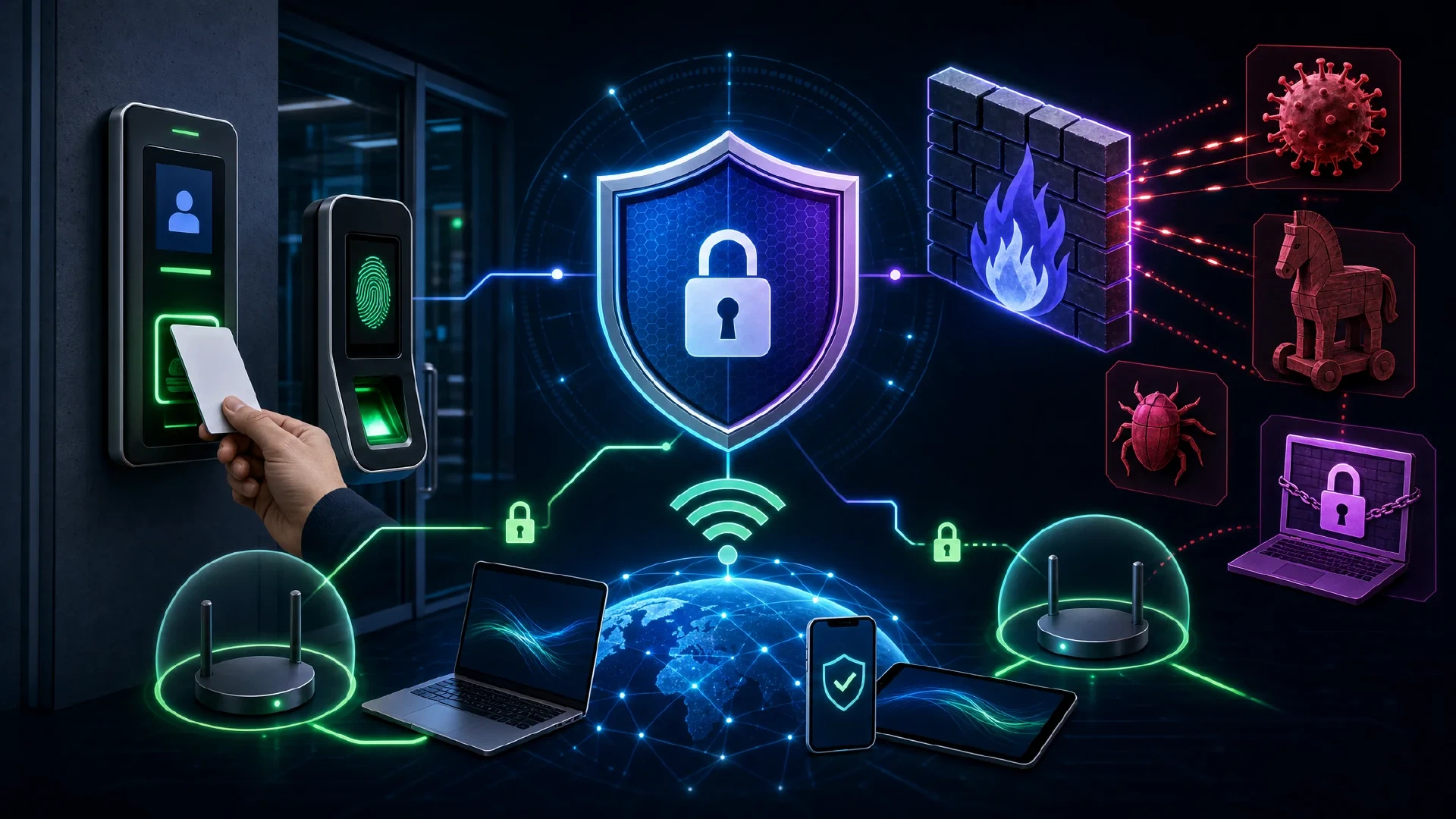
Table of Contents
Click Here to Return To the CompTIA A+ Course Page
Security is 28% of the CompTIA A+ 220-1202 Core 2 exam, tied for the largest Core 2 domain. This module covers physical and logical security, Windows settings, wireless protocols, malware, social engineering, hardening, and data destruction. Security knowledge protects every system you support, so master these controls.
Security is everyone’s job, and the technician is the first line of defense. You lock down access, configure permissions, recognize attacks, and remove malware. This module builds the practical security skills the exam demands.
Physical and Logical Security
You combine physical barriers with logical access controls.
| Physical | Logical |
|---|---|
| Bollards, fences, mantraps | Access Control Lists (ACLs) |
| Badge readers, key fobs | Least privilege |
| Biometrics (fingerprint, face) | Zero Trust |
| Locks, cameras, lighting | Multifactor authentication (MFA) |
MFA combines factors: something you know (password), something you have (token), and something you are (biometric). Least privilege gives each user only the access the job requires.
Windows Security Settings
You harden Windows with built-in controls.
- Microsoft Defender Antivirus blocks known and behavior-based malware.
- Windows Defender Firewall filters network traffic.
- NTFS vs share permissions: NTFS applies locally and over the network, share permissions apply only over the network. The most restrictive of the two wins.
- BitLocker encrypts the whole drive, while EFS encrypts individual files.
- User Account Control (UAC) prompts before privileged actions.
Wireless Security Protocols
You pick the strongest protocol the hardware supports.
| Protocol | Strength |
|---|---|
| WEP | Broken, never use |
| WPA2 | AES encryption, still common |
| WPA3 | Strongest, current standard |
WPA3 with AES is the goal. Enterprise networks add RADIUS or TACACS+ for centralized authentication, and Kerberos issues tickets for domain logon.
Types of Malware
You identify malware by its behavior.
| Malware | Behavior |
|---|---|
| Virus | Attaches to files, spreads when run |
| Trojan | Hides in a useful-looking program |
| Ransomware | Encrypts data and demands payment |
| Rootkit | Hides deep in the OS to evade detection |
| Keylogger | Records keystrokes to steal credentials |
| Cryptominer | Steals CPU/GPU cycles to mine coins |
| Fileless | Runs in memory, leaves little on disk |
Social Engineering and Threats
You recognize attacks that target people and systems.
- Phishing uses fake emails to steal credentials, vishing uses voice calls, and smishing uses text messages.
- Tailgating follows an authorized person through a secure door.
- Shoulder surfing reads credentials over a shoulder.
- DoS/DDoS floods a service to take it offline.
- SQL injection and XSS attack vulnerable web applications.
Strong, unique passwords blunt many of these attacks. Read how to create strong passwords .
Malware Removal and Hardening
You follow the CompTIA seven-step malware removal process:
- Investigate and verify the malware symptoms.
- Quarantine the infected system.
- Disable System Restore (Windows).
- Remediate: update anti-malware and scan in safe mode.
- Schedule scans and run updates.
- Enable System Restore and create a restore point.
- Educate the end user.
You harden workstations with data-at-rest encryption, strong password policies, account management, and by disabling unused services and AutoRun.
Data Destruction
You destroy data so it cannot be recovered.
| Method | Type |
|---|---|
| Drilling, shredding | Physical destruction |
| Degaussing | Magnetic wipe of HDDs |
| Secure erase / cryptographic erase | Software wipe |
| Certified recycling | Documented disposal |
Get a certificate of destruction when a third party handles regulated data.
Next Steps
Continue Core 2 with Software Troubleshooting for malware diagnosis, and Operational Procedures for policy. Review Operating Systems for Windows security tools. Return to the CompTIA A+ Course .