

CompTIA A+ (220-1201): Networking Fundamentals
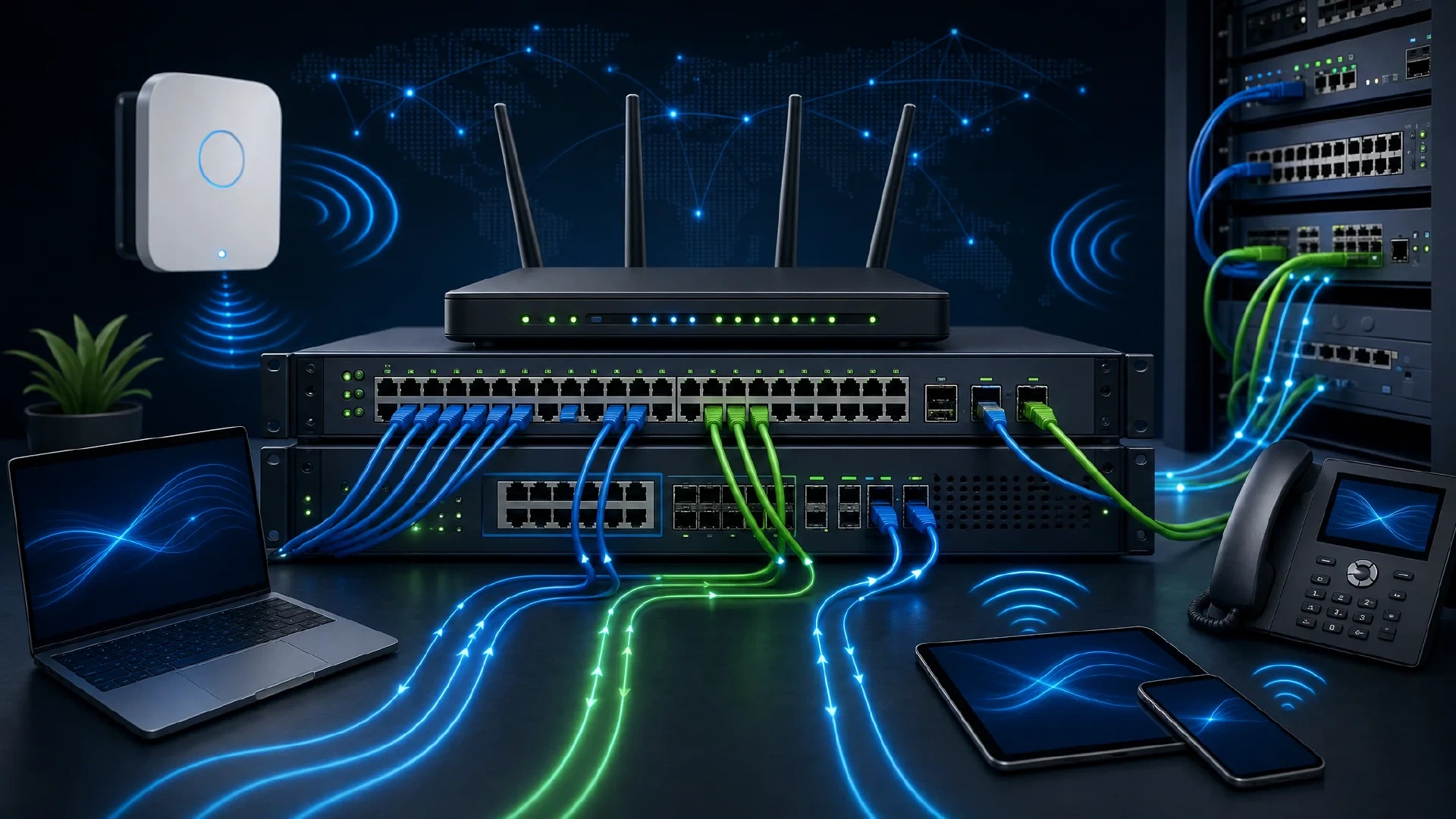
Table of Contents
Click Here to Return To the CompTIA A+ Course Page
Networking is 23% of the CompTIA A+ 220-1201 Core 1 exam, the second-largest domain. This module covers ports and protocols, wireless standards, host services, network hardware, SOHO setup, and tools. Memorize the common ports because the exam tests them directly.
Every support call eventually touches the network. You diagnose connectivity by knowing which protocol runs on which port, how wireless bands differ, and what each device on the wire does. This module gives you that foundation.
Common Ports and Protocols
You must know these ports by number. TCP is connection-oriented and reliable, while UDP is connectionless and fast.
| Port | Protocol | Purpose |
|---|---|---|
| 20/21 | FTP | File transfer |
| 22 | SSH/SFTP | Secure remote shell |
| 23 | Telnet | Insecure remote shell |
| 25 | SMTP | Sending email |
| 53 | DNS | Name resolution |
| 67/68 | DHCP | IP address assignment |
| 80 | HTTP | Web traffic |
| 110 | POP3 | Receiving email |
| 143 | IMAP | Receiving email |
| 443 | HTTPS | Encrypted web traffic |
| 445 | SMB | File and printer sharing |
| 3389 | RDP | Remote desktop |
Telnet and FTP send data in clear text, so prefer SSH and HTTPS.
Wireless Networking
You match the band and standard to the environment.
| Band | Trait |
|---|---|
| 2.4 GHz | Longer range, slower, more interference |
| 5 GHz | Faster, shorter range, less crowded |
| 6 GHz | Newest, widest channels, Wi-Fi 6E and 7 |
The 802.11 standards advance over time: 802.11n (Wi-Fi 4), 802.11ac (Wi-Fi 5), 802.11ax (Wi-Fi 6/6E), and 802.11be (Wi-Fi 7). Short-range radios include NFC for tap actions and RFID for tags and badges.
On 2.4 GHz, use non-overlapping channels 1, 6, and 11 to avoid interference.
Services Provided by Networked Hosts
You identify what each server role does on the network.
- DNS resolves names to IP addresses.
- DHCP hands out IP addresses, gateways, and DNS servers automatically.
- File servers store shared documents centrally.
- Print servers queue jobs to shared printers.
- Proxy servers filter and cache web requests.
- Web servers host sites and applications.
You configure DNS records so services resolve correctly:
| Record | Maps |
|---|---|
| A | Name to IPv4 address |
| AAAA | Name to IPv6 address |
| CNAME | Name to another name (alias) |
| MX | Domain to mail server |
| TXT | Text for SPF, DKIM, verification |
Networking Hardware
You connect and route traffic with the right device.
- A switch forwards frames between devices on the same LAN by MAC address.
- A router moves packets between networks and to the internet.
- An access point (AP) bridges wireless clients onto the wired network.
- A firewall filters traffic by rules at the boundary.
- Power over Ethernet (PoE) delivers power and data over one cable to APs, cameras, and phones.
SOHO Network Configuration
You set up small office and home networks with correct addressing.
| Address type | Use |
|---|---|
| Static | Manually set, for servers and printers |
| Dynamic (DHCP) | Auto-assigned, for clients |
| APIPA | 169.254.x.x self-assigned when DHCP fails |
| IPv6 | 128-bit addresses for modern networks |
A private IP range such as 192.168.0.0/16 stays inside the LAN, while NAT translates it to one public address for internet access.
Networking Tools
You build and test cabling with the right tools.
| Tool | Job |
|---|---|
| Crimper | Attaches RJ45 connectors to cable |
| Cable tester | Verifies wiring continuity and order |
| Toner probe | Traces a cable in a bundle |
| Punchdown tool | Seats wires into patch panels and jacks |
| Wi-Fi analyzer | Maps signal strength and channel use |
| Loopback plug | Tests a network port |
Next Steps
Continue Core 1 with Hardware Components and Virtualization and Cloud Computing . Diagnose connectivity in Hardware and Network Troubleshooting . For home wireless design, see the best Wi-Fi mesh system for consumers and Ubiquiti UniFi vs TP-Link Omada . Return to the CompTIA A+ Course .